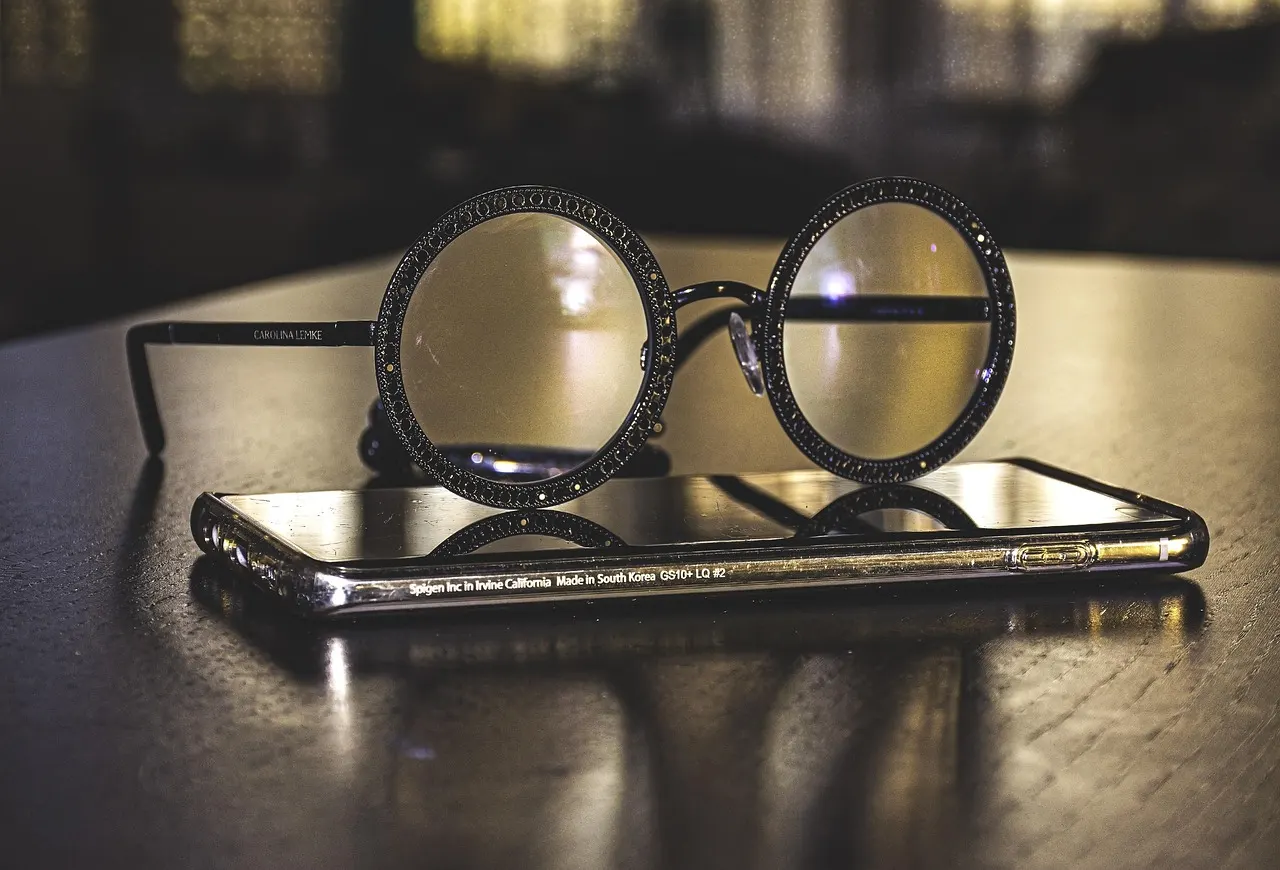
Three small settings, and everything looks better.
If the screen is hard to read, you don't need a new phone. You can change a few settings.
Font size
In the settings, under "Display" or "Accessibility", there's "Font size". Slide it until it's comfortable.
A bigger screen
In the same place there's "Display size". That makes the buttons bigger too.
Brightness
A screen that's too dark tires the eyes. Turn the brightness up, or switch on automatic brightness.
In the lesson
If you can't find it, we'll do it together in the lesson, and write on the page where it is.
Written by Open Screen.
Want to book a lesson?
Choose a day and time, and we'll call you. Tell us which device you have and what you'd like to learn, and we'll book a lesson at home or a place in a group.