Turn an idea into a video with a voice, a character and captions
Write a sentence, paste an article or upload a photo, and get a video ready for social media: natural narration, a talking character, an influencer who presents your product, captions and music. In English, Hebrew, Arabic and Russian.
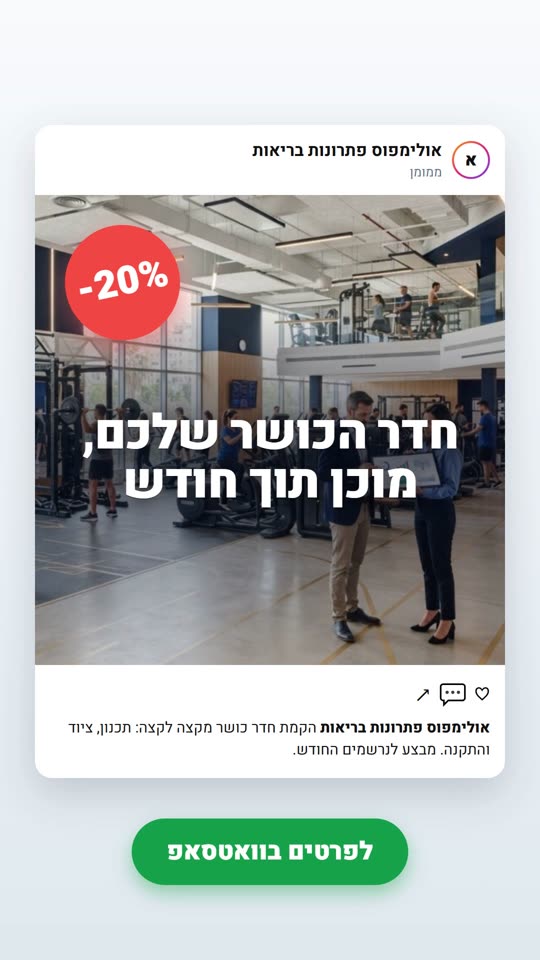
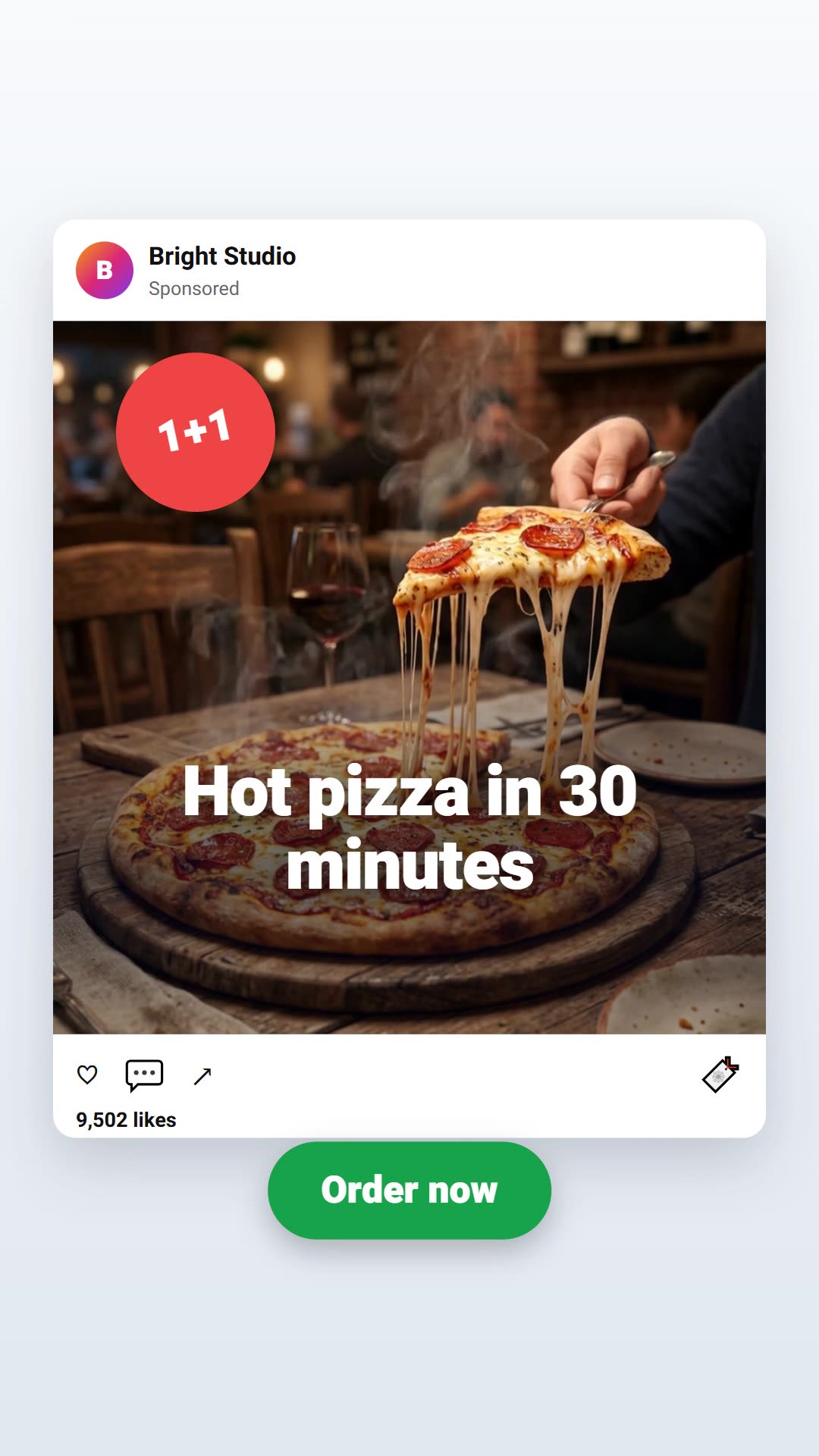
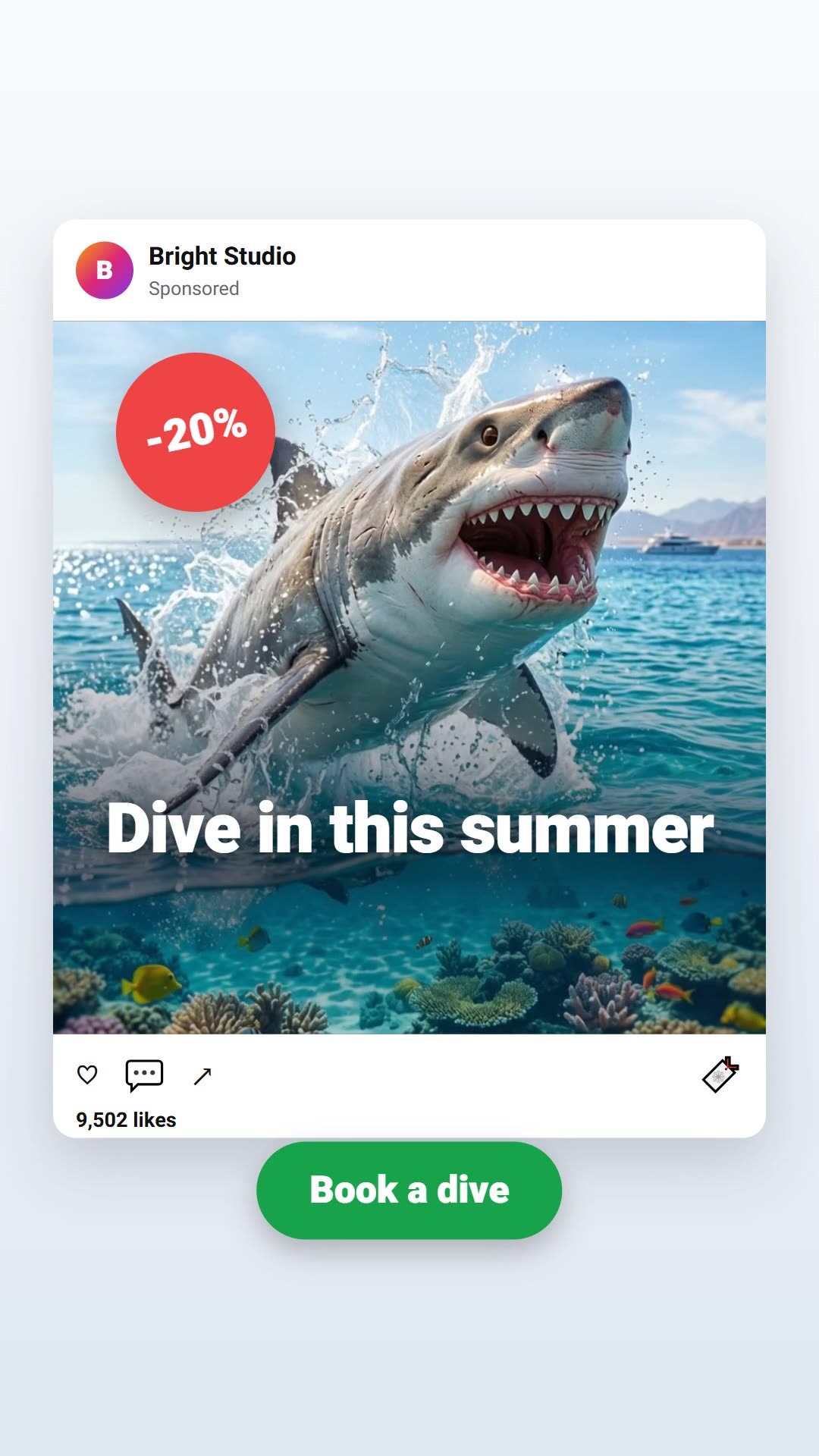
Photo to 3D videoAd for a businessInfluencer presents a productArticle to videoAnimation with textProduct videoTalking characterTitle over videoAn assistant who explainsTweet to videoProduct video from the studioTool explainer video
Your voiceA short recording, and every video speaks in your voice
Everything you need to turn content into video
Text to video
Your content, now in video form
Paste an article, a script or one line. A short script is written, visuals are picked, narration, music and captions are added, and a publish-ready video comes out in minutes.
Tell us your channel's topic, style and posting rhythm. A plan for the next videos is made, the scripts are written, and they wait ready in your publishing calendar.
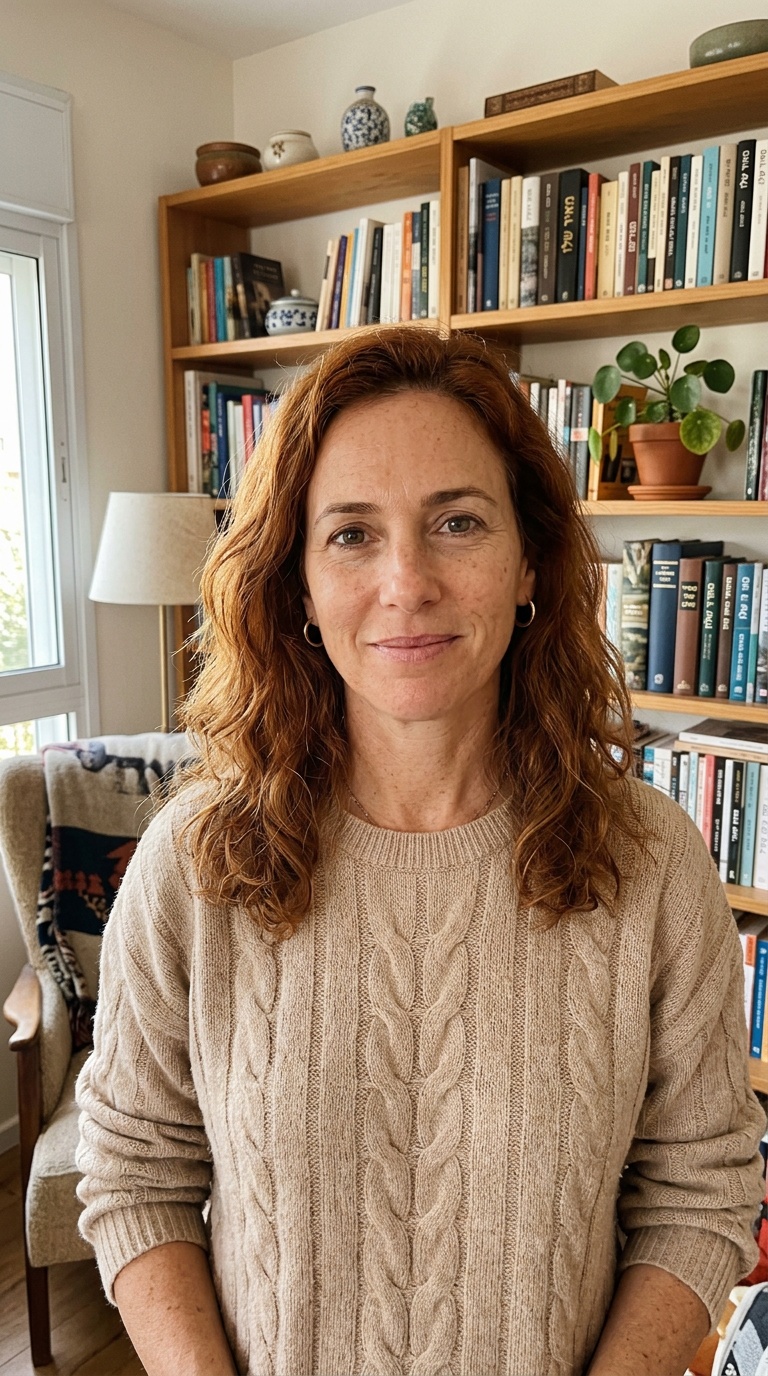
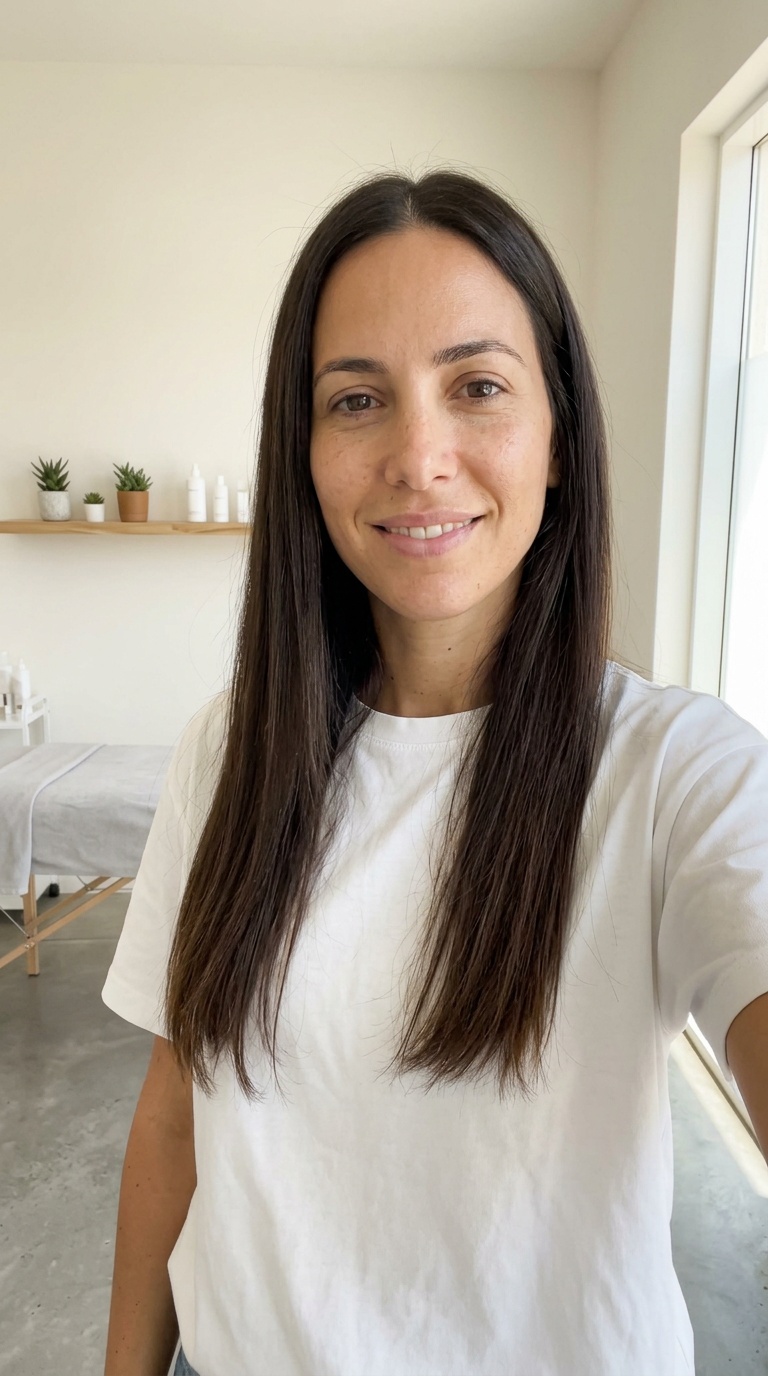
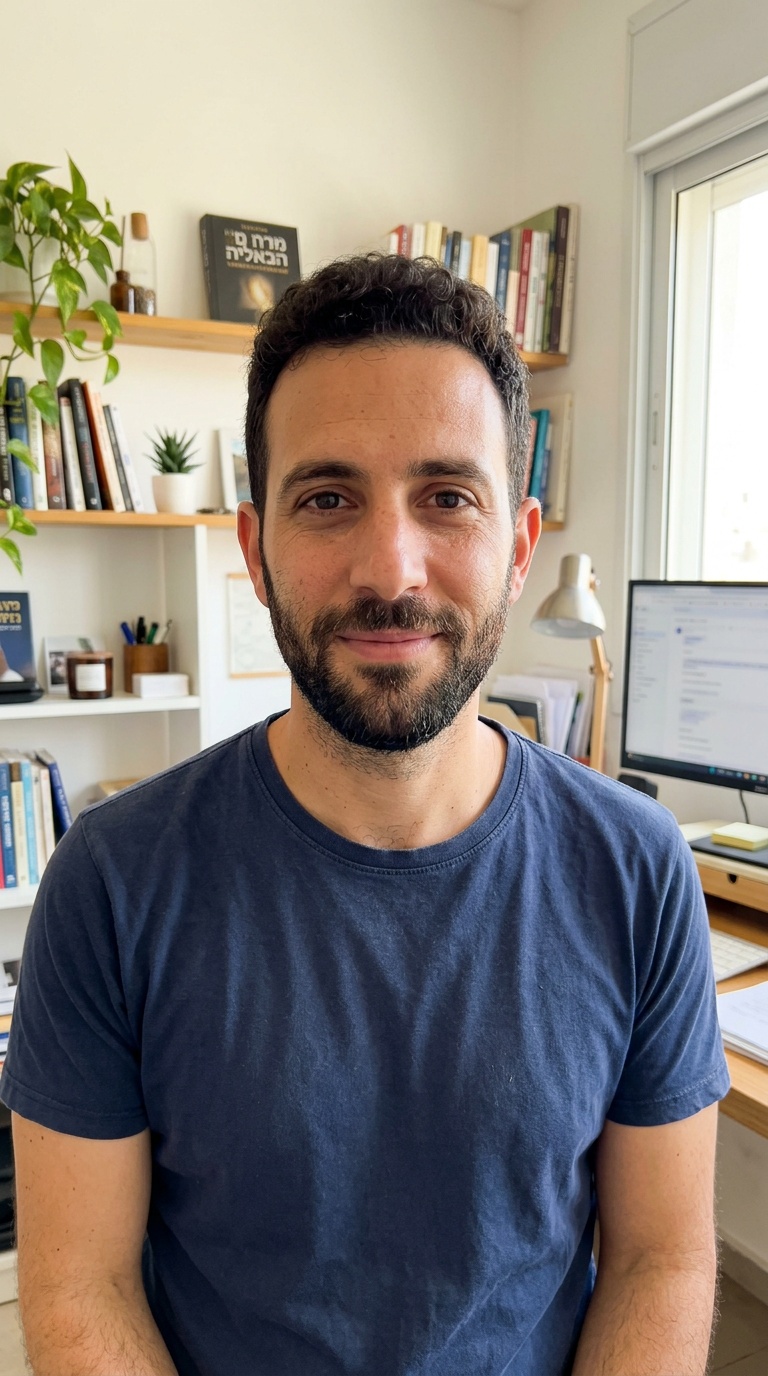
Upload a photo of yourself and record a short voice sample. From then on your character presents, explains and speaks in every video, with the same face and the same voice, in four languages.
An influencer who presents your product, no filming
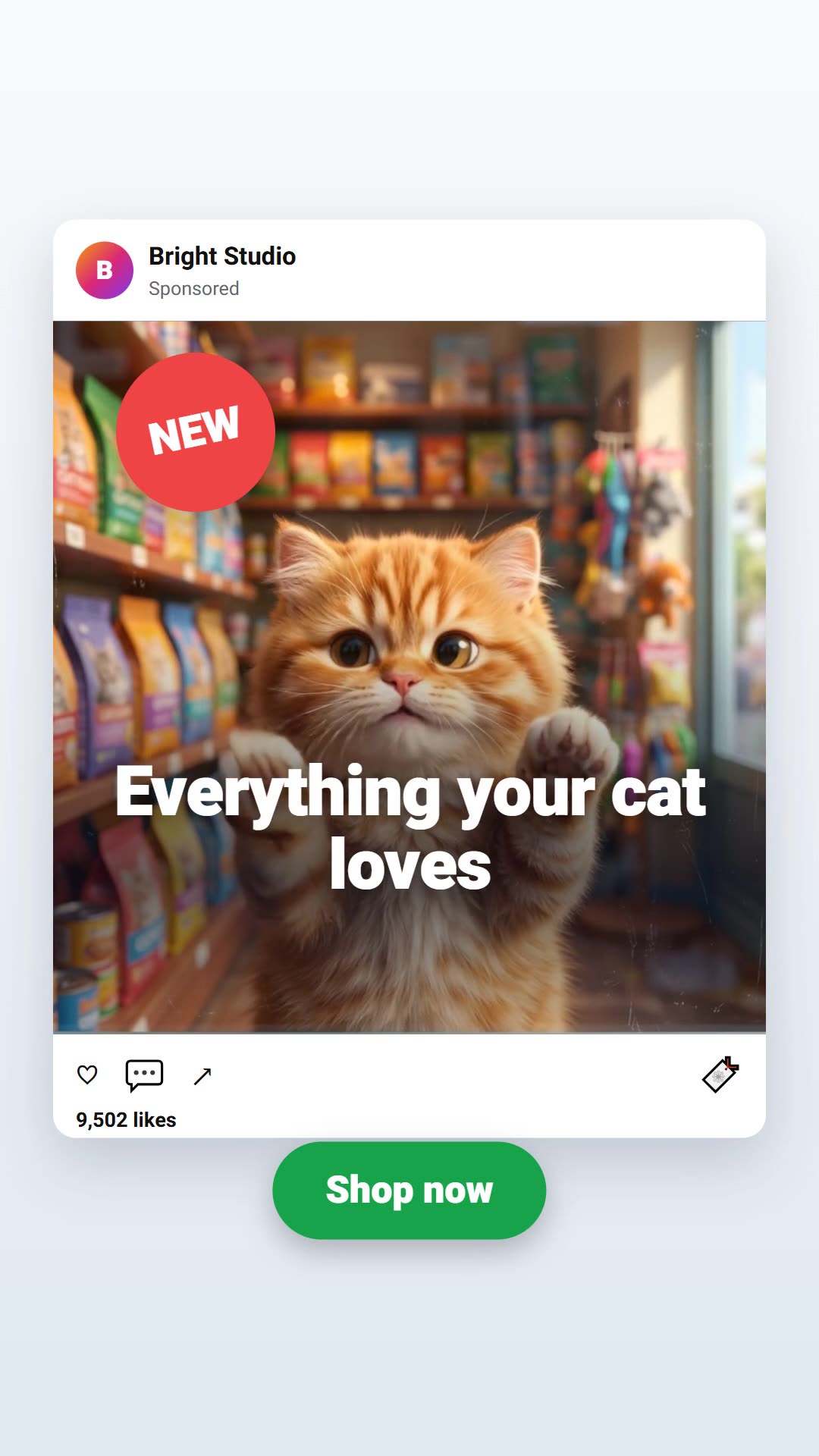
From your website's address a summary and a script are written. Pick a presenter or an influencer and get a social-style video: a short teaser or a full video with automatic editing. You approve the script before the video is made.
Upload an existing video and get it in another language: the transcript is translated, the narration speaks in a natural voice in the new language, and the captions update.
EnglishעבריתالعربيةРусский
How it works
1Write an idea
A sentence, an article, a link to a website or a product photo.
2Pick a style
Narration, a talking character or an influencer, a language and a network size.
3Get a video
With captions and music, to download or straight to the publishing calendar.
Videos for your business, no camera and no editor
A product photo, an article from your site or one idea, and a video ready for social media in minutes.
Paste text, an article or an idea into "Article to video". A short script is written, visuals are picked, and narration, captions and music are added. A short video is usually ready within a few minutes.
Can I use my own voice?
Yes. In the talking character and the presenter studio you can record a short sample of your voice, and the videos will speak in your voice.
Which languages?
English, Hebrew, Arabic and Russian, with captions in the same language.
What is an AI influencer?
A character that presents your product or service in the style of social videos, from a script written from your website. You approve the script before the video is made.
How long does it take to make a video?
A short 30–60 second video is usually ready within a few minutes. A video with a talking character or an influencer takes a little longer, and you always see the progress on screen.
How do I make videos without appearing on camera?
Combine narration, visuals and captions, or pick a character that speaks for you. No camera, gear or editing needed.
Can I turn an article from my site into a video?
Yes. Pick an article that's already written and get a short video with its pictures and main points.
Do the videos publish to the networks by themselves?
You can send any video to the publishing calendar, and from there it goes out to the networks you connected, always after your approval.
Can I use the videos commercially?
Yes, the videos you make with your tools are yours and meant for your business, including ads.