Skip to content
AutoWriter
For salons and beauty

Bookings happen by themselves, and your work shows on social

Clients book without calling, get a reminder and show up. Meanwhile posts and videos show your work, in your salon's colors.

9 tools for your field6 ready sites for your fieldHebrew and English

Each stylist with her own hoursA waiting list for popular slotsA client card with notes
app.autowriter.biz/sitelib/beauty-en/
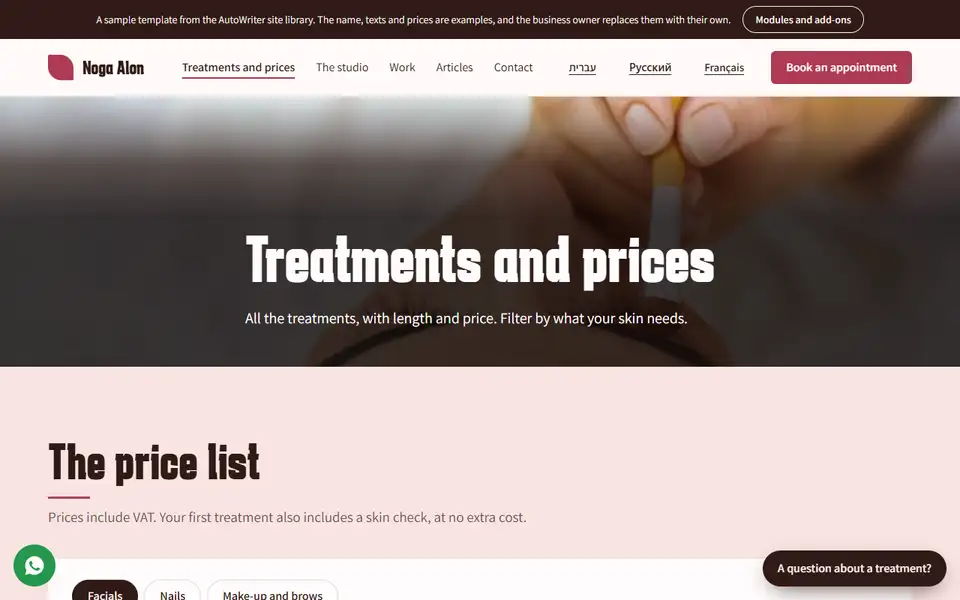
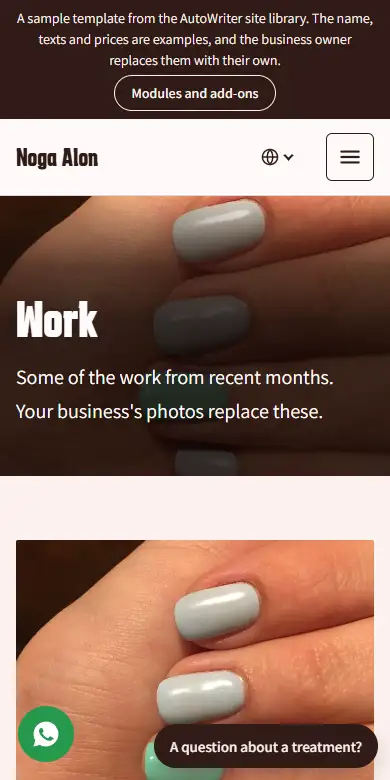
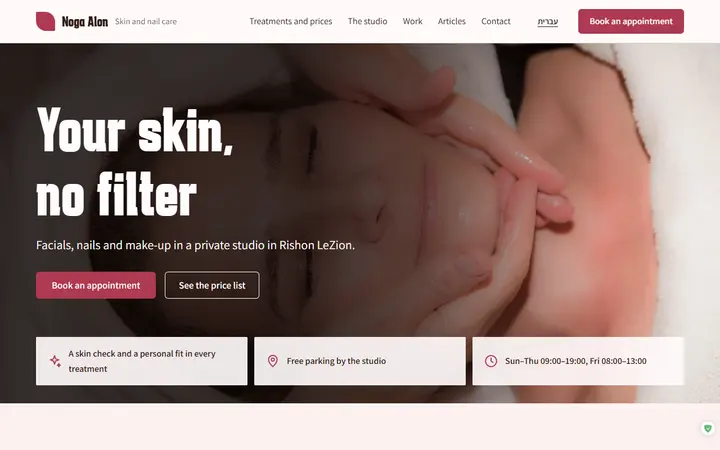
Ready Site · Beauty and nails: Treatments page
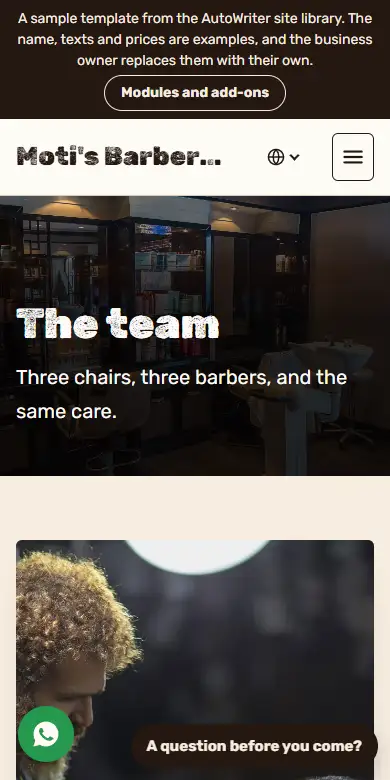
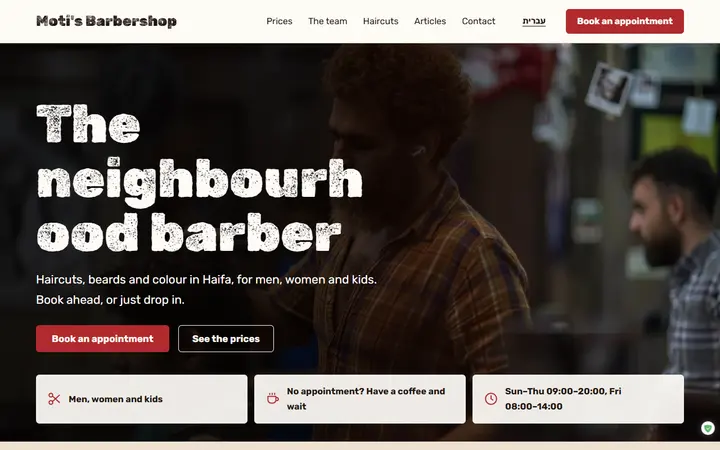
Barbershop: the home page on a phone, top to bottom

What you get: salons and beauty

9tools that fit the field
6ready sites for the field
108ready sites in the library

What takes your time

Messages mid-color

Your hands are in a client's hair, and the phone won't stop. Every booking is a long WhatsApp chat.

A client who didn't show

An hour and a half of color stays empty, because no one reminded her.

No time for social

The work is beautiful, but shooting, editing and writing a post at the end of a long day just doesn't happen.

How each tool fixes it

Every card is a tool that already works in AutoWriter, with what it does for a business like yours.

Apoint

Bookings without the back-and-forth

The client picks a treatment, a team member and a free slot, and sees how long it takes and what it costs. A reminder goes out by itself by email.

Apoint page
Pick a serviceand who on the team gives it
Pick a timefrom the free slots
A reminderby email, before the visit
Anchor

A video of your salon, without filming

A script with a hook is written from your website, and a presenter speaks it with captions. You see and change every word before production.

Anchor page
Stylekit

Posts in your salon's colors

Upload a few photos of the business and the logo, and a brand kit is built. Then write a topic and get a post, a story or a carousel with a caption and hashtags.

Stylekit page
Tapcard

A business card clients keep

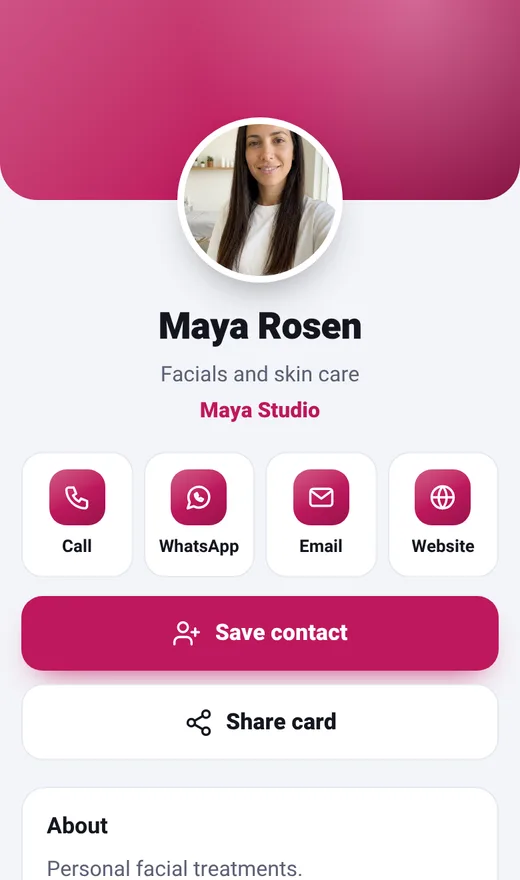
Call, WhatsApp, directions, save contact and a QR code, in one card that opens on the phone. The basic card is free.

Tapcard page
Avivi Reviews

Reviews that bring the next client

After every visit you get a ready message with your Google review link, and you send it yourself in one click. Every review gets a ready reply.

Avivi Reviews page
A visit or a deal closedA ready message with your review link
Send in one clickFrom your own WhatsApp, SMS or email
A new reviewA ready reply to copy into Google
Hookey

Sale ads, without a designer

Up to 20 different ads in one run, in your salon's colors and logo. A sale appears only if you wrote one.

Hookey page

How to start, in 3 steps

1
Open the calendar

Services, length, price and who on the team gives each one.

2
Build a brand kit

A few photos of the salon and the logo, and the Designer learns the colors.

3
Share the card

The business card with a booking button, on WhatsApp and Instagram.

Three businesses in the field, three stories

Scenarios of how a business in the field uses the tools. Not testimonials and not results: what actually happens, step by step.

Four chairs, no phone mid-service

Every team member has their own hours and services. The client sees the length and price of each treatment, picks who will treat her and books by herself.

Step 1Pick a treatment
Step 2Pick a team member
Step 3Booked
Step 4A reminder before the visit

A post after every workday

At the end of the day she writes one topic, and the Designer brings out a post, a story and a carousel in her clinic's colors, with a caption and hashtags.

Step 1One topic
Step 2A post in the brand colors
Step 3A story and a carousel

A video that shows the salon

A script with a hook is written from the website, and a presenter shows the salon in a short video with captions. The owner sees every word and changes it before production.

Step 1The website address
Step 2A script with a hook
Step 3A video with captions

A normal day at the salon, before and after

The same clients and the same hours. The difference is how often the phone interrupts.

09:00Before the first client

BeforeGoing through WhatsApp and confirming bookings one by one.

With AutoWriterThe bookings are already in the calendar, and every client got a reminder.

12:00Mid-color

BeforeThe phone rings, and you can't answer.

With AutoWriterThe client booked by herself on the booking page, without waiting for you.

15:00A cancelled booking

BeforeThe slot stays empty.

With AutoWriterThe slot was offered to the waiting list.

20:00After closing

BeforeToo tired to write a post.

With AutoWriterA post designed in your salon's colors is ready, with a caption.

Without AutoWriter, and with it

The taskWithoutWith AutoWriter
Booking a visitA long WhatsApp chatThe client books by herself
A client who forgetsAn empty slotAn email reminder before the visit
A post for socialShooting, editing and writing after workA designed post from one topic
A business cardA printed card that runs outA digital card, the basic one is free
Google reviewsForgetting to askA ready message after every visit

The times in the table are the tools' own, from their product pages. No promise of hours or money saved.

Every tool, in its own page's words

A full calendar, no calls mid-treatment

Customers book on their own from WhatsApp or Instagram, and get a reminder the day before.

  • Several staff, each with their own hours
  • Waiting list for popular times
  • Customer card with notes and preferences
Open the tool

Videos that explain treatments, without filming

A presenter explains a treatment, answers a common question or shows a before and after, and the video is ready for Instagram.

  • Treatment explainers
  • A client question
  • Before and after
  • In your voice, if you like
Open the tool

A feed that looks like your clinic

Tips, treatments and offers, all in your colors.

  • Brand kit
  • Post and Story
  • Caption and hashtags
  • PNG download
Open the tool

The screens, as they are

Real screenshots of the ready sites for the field and of the tools. No mock-ups.

app.autowriter.biz/sitelib/hair-en/
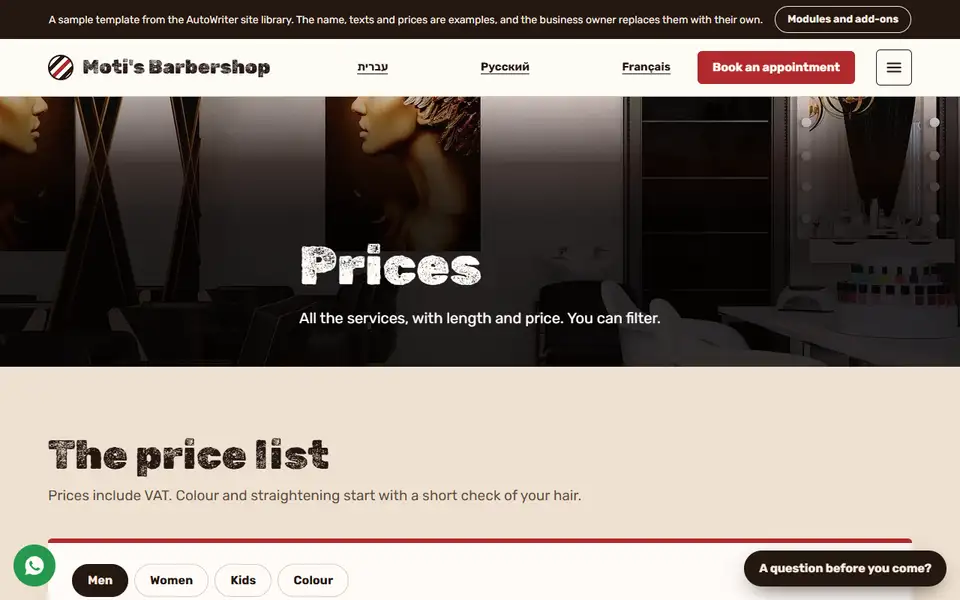
Ready Site · Barbershop: Price list
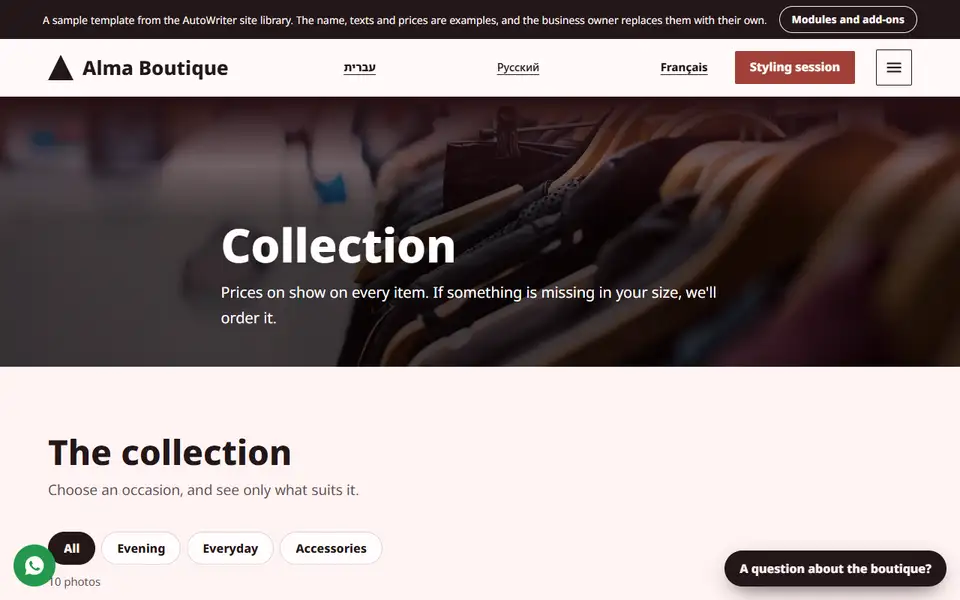
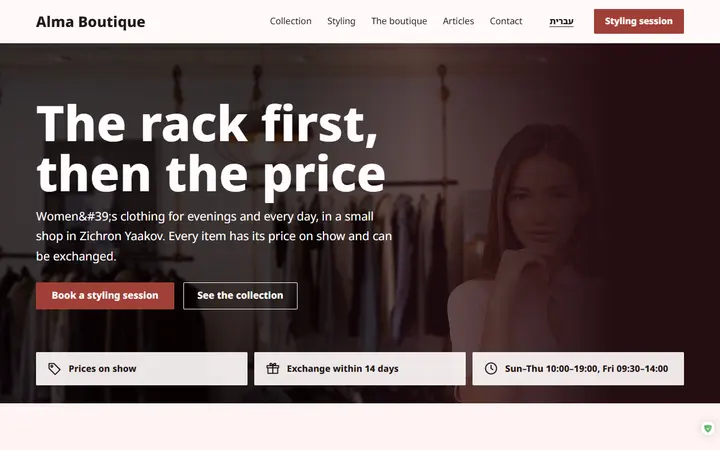
app.autowriter.biz/sitelib/boutique-en/
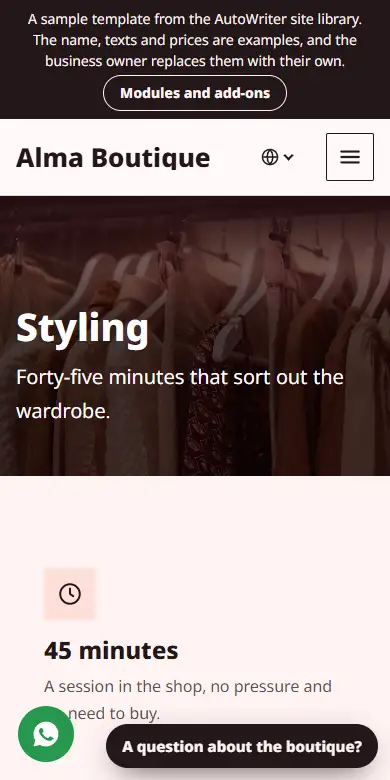
Ready Site · Women's boutique: Collection
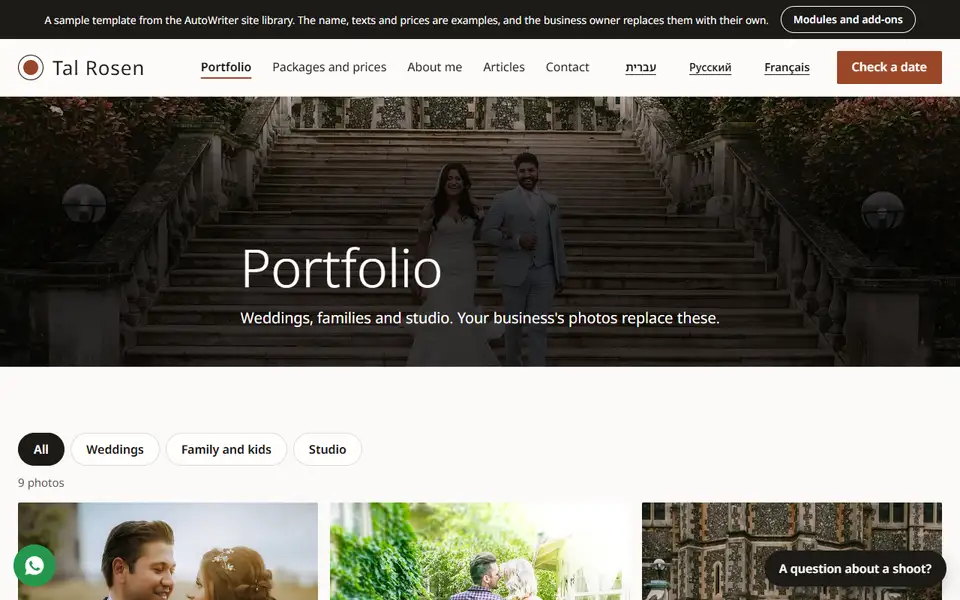
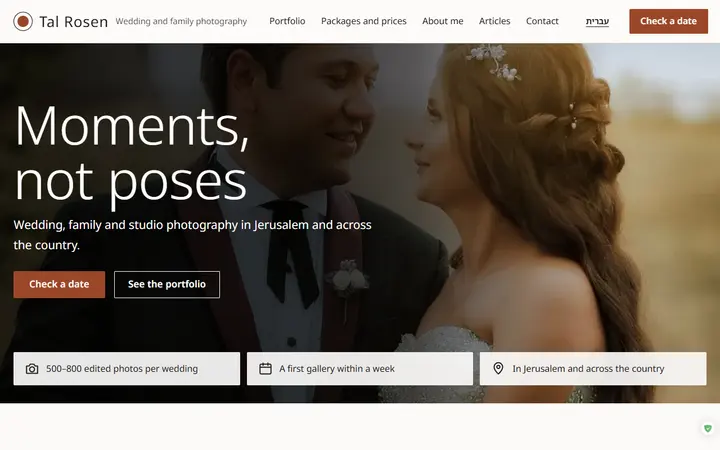
app.autowriter.biz/sitelib/photo-en/
Ready Site · Photographer: Portfolio
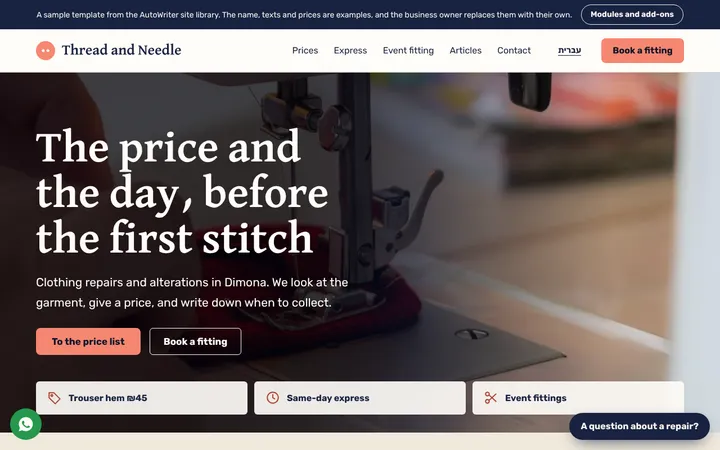
app.autowriter.biz/sitelib/tailor-en/
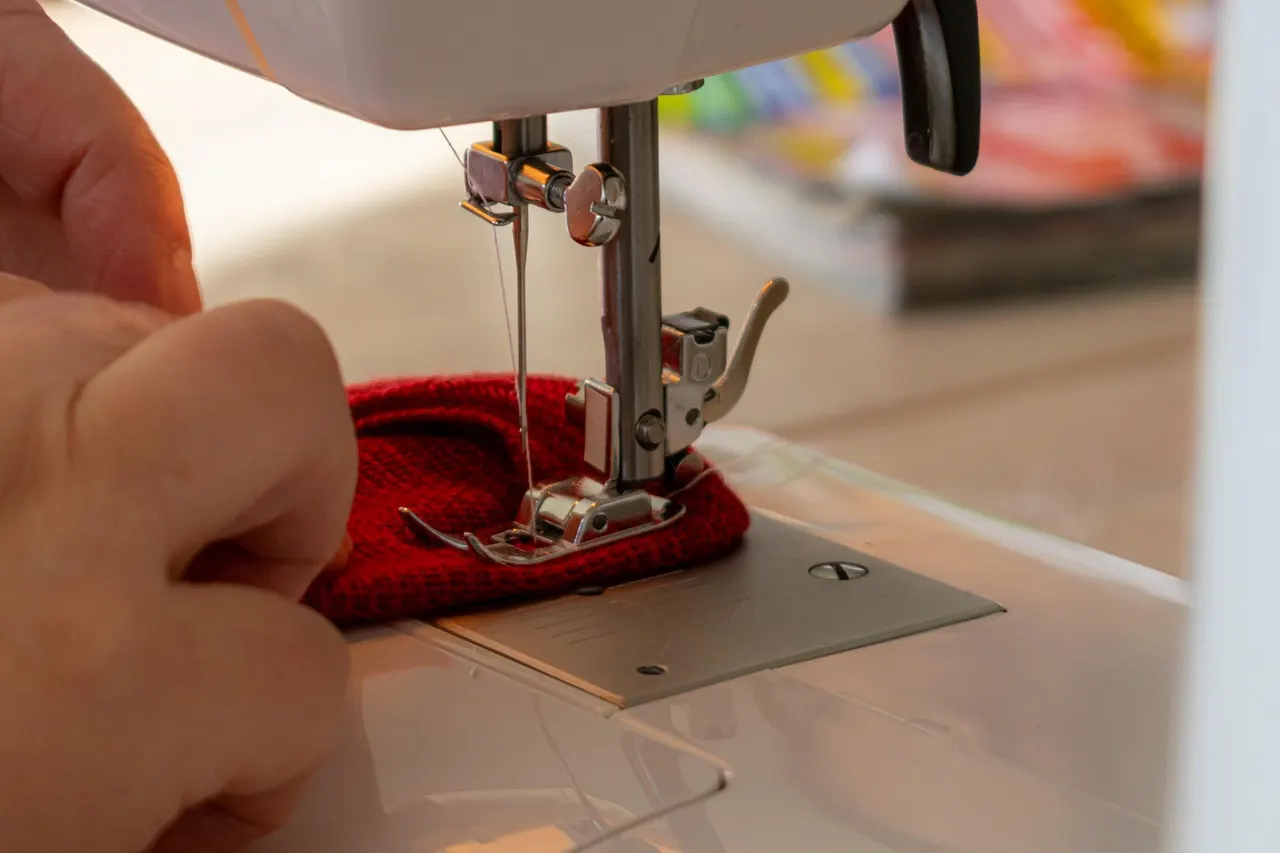
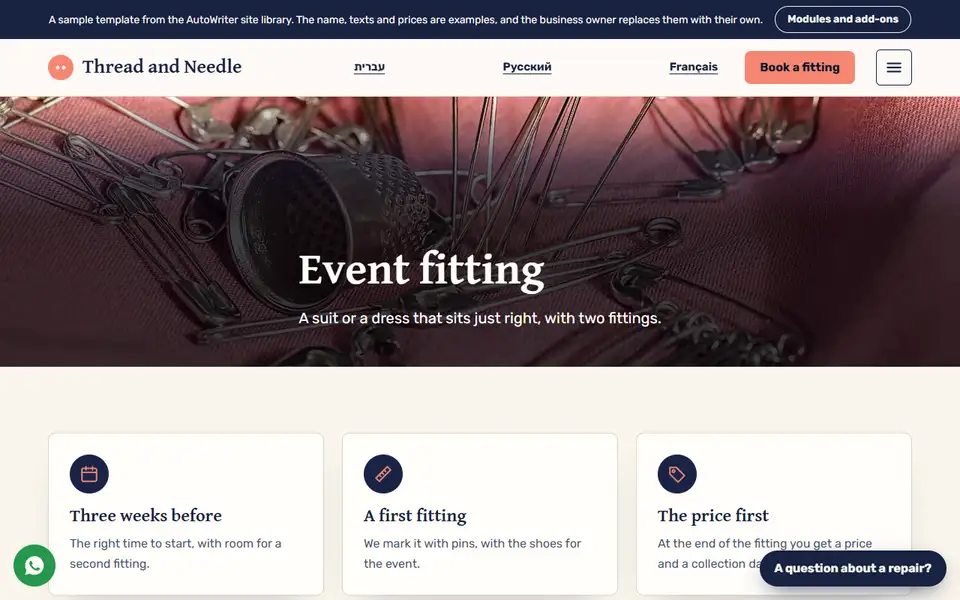
Ready Site · Clothing repairs: Fittings
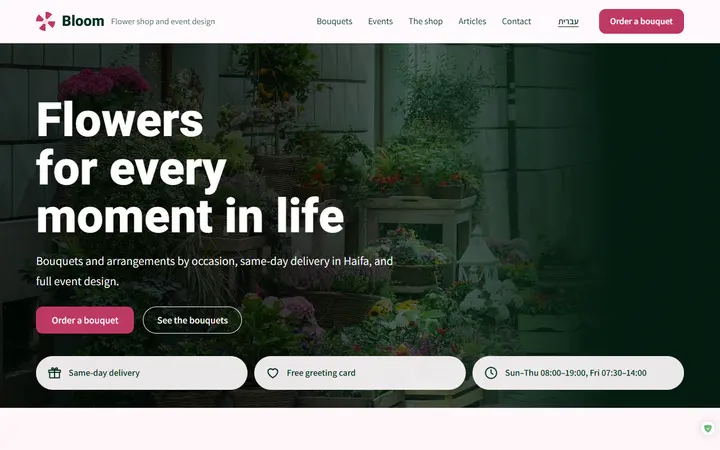
app.autowriter.biz/sitelib/florist-en/
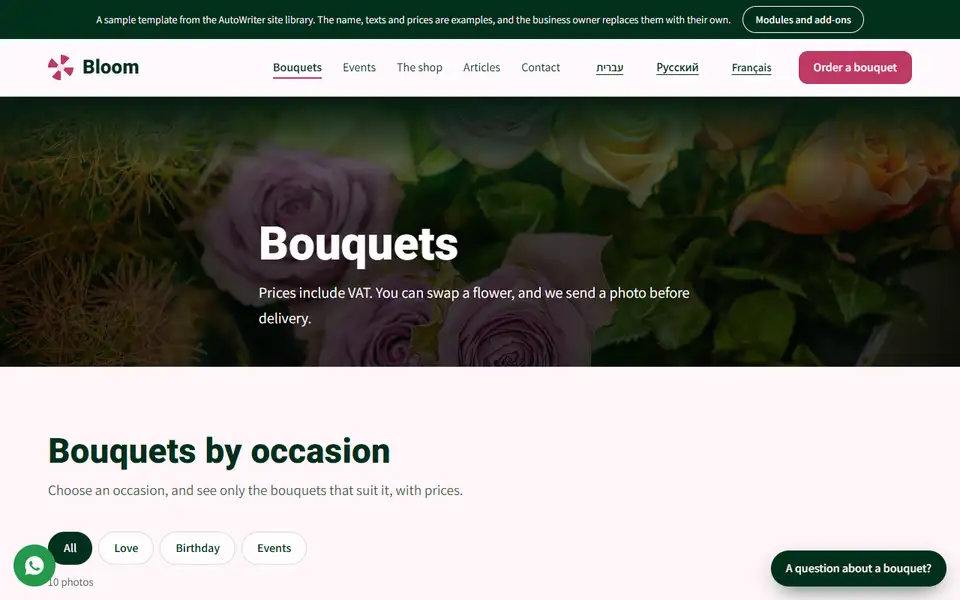
Ready Site · Flower shop: Bouquets

Every tool for this field

Each tool has a page with all its features, plans and prices.

ApointApoint, appointment booking

Customers book on their own, get a reminder, and you see the whole calendar on one screen

Prices on the tool's page

Apoint page
AnchorThe Presenter

A video with a presenter who introduces your business, from your website address to an edited video

Prices on the tool's page

Anchor page
StylekitThe Designer

Posts, Stories and carousels designed in your business's style, with captions and hashtags

From $29.95 a month

Stylekit page
HookeyThe Creative

Image ads ready to publish, with your product, logo and text, in minutes

From $29.95 a month

Hookey page
Avivi Reviews

More Google reviews, and a ready reply to every review

From $14.95 a month

Avivi Reviews page
TapcardTapcard, digital business card

All your contact options in one link

From $12.95 a month

Tapcard page
PostiWebPostiWeb, social posts

One link, and a ready post for every network

Prices on the tool's page

PostiWeb page
Studio+

From a regular phone photo to a professional product shot, a lifestyle scene and a product video

From $14.95 a month

Studio+ page
Ready Site

A full site for your business, designed and ready, with the tools of your field

From $23.95 a month

Ready Site page

What it costs to start

Three key tools for the field, at their entry price. Every plan is on each tool's page.

Stylekit

$29.95a month

The Designer
  • One free trial creation
  • Hebrew & English
  • Download as PNG
All plans

Hookey

$29.95a month

The Creative
  • Your real product in the image
  • Clean, correct text
  • Four sizes for every network
All plans

Avivi Reviews

$14.95a month

Avivi Reviews
  • 14 -day free trial
  • Sent from your own phone
  • Nothing is posted on its own
All plans

With every tool:Open a free accountCancel anytime

Prices in US dollars, as charged in English; every plan is on each tool's page.

The booking calendar, from the inside

Customers book on their own, get a reminder, and you see the whole calendar on one screen

  • Several staff, each with their own hours
  • Waiting list for popular times
  • Customer card with notes and preferences

Apoint page

Free for a one-person business14 -day Plus trialHebrew & English

A digital business card for your field

Call, WhatsApp, directions, save contact and a QR code, in one card that opens on any phone. The basic card is free.

From $12.95 a month

Tapcard page

No credit cardHebrew & EnglishWorks on any phone, no app

Ready sites from the library, for this field

Every site here is real, and you can open it and look around. The ready site gets your business's name, colors and texts. 108 sites in the library, for every field.

All ready sites

FAQ

Do clients see the price and length of each treatment?

Yes. On the booking page every service shows the length and the price you set.

Can each team member have her own calendar?

Yes. Each one has her own hours and services. Basic has one service provider, and Plus up to three.

Do the posts take photos from my Instagram?

No. The Designer uses only photos you uploaded yourself.

Do I need to film myself for the video?

No. The presenter speaks the script. If you like, it can be in your own voice.

Does the business card cost money?

The basic card is free, with every way to reach you and the QR. Pro removes the badge and adds layouts.

Can I mark a client's color or preferences?

Yes. Every client has a card with color, notes and preferences.

Do I need to install the calendar?

No. It works in the browser, on desktop and phone, and can be added to the home screen.

How many posts a month?

By the Designer's plan: 12, 30 or 80 designed posts a month.

Can I change the card's details after sending it?

Yes. Change them in the system, and the card updates at once for everyone with the link or the QR.

Do I need to start with every tool?

No. Open a free account and start with the tool you miss most today. Any other tool can be added when you want, and each one has a page with its plans and prices.

More professions

Fewer calls, more clients in the chair
Open a free account, and start with the calendar or the business card.

Open a free account