Your clinic fills up, and the phone stops ringing mid-session
A calendar patients book by themselves, a chat that answers the recurring questions, and a page and videos that look like your clinic. Every AutoWriter tool for a clinic, in one place.
Every booking, change and cancellation goes through you. A call you missed is a patient who may look for another therapist.
Cancellations and gaps
A patient forgets or cancels at the last minute, and the hour stays empty. Chasing each one on WhatsApp takes more time every day.
The same questions, again and again
How much a session costs, how long it takes, how to get there. The answers are known, but someone has to write them every time.
How each tool fixes it
Every card is a tool that already works in AutoWriter, with what it does for a business like yours.
Apoint
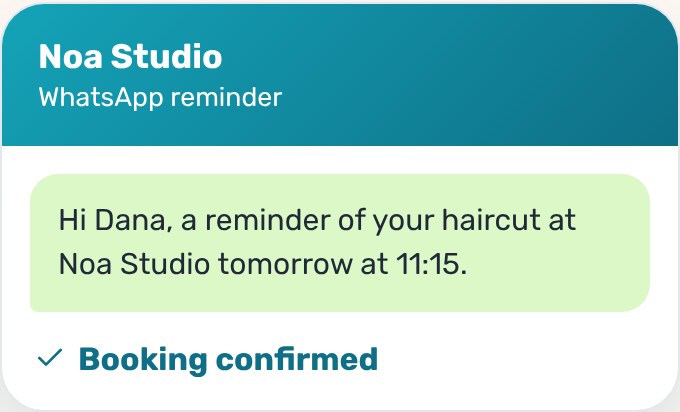
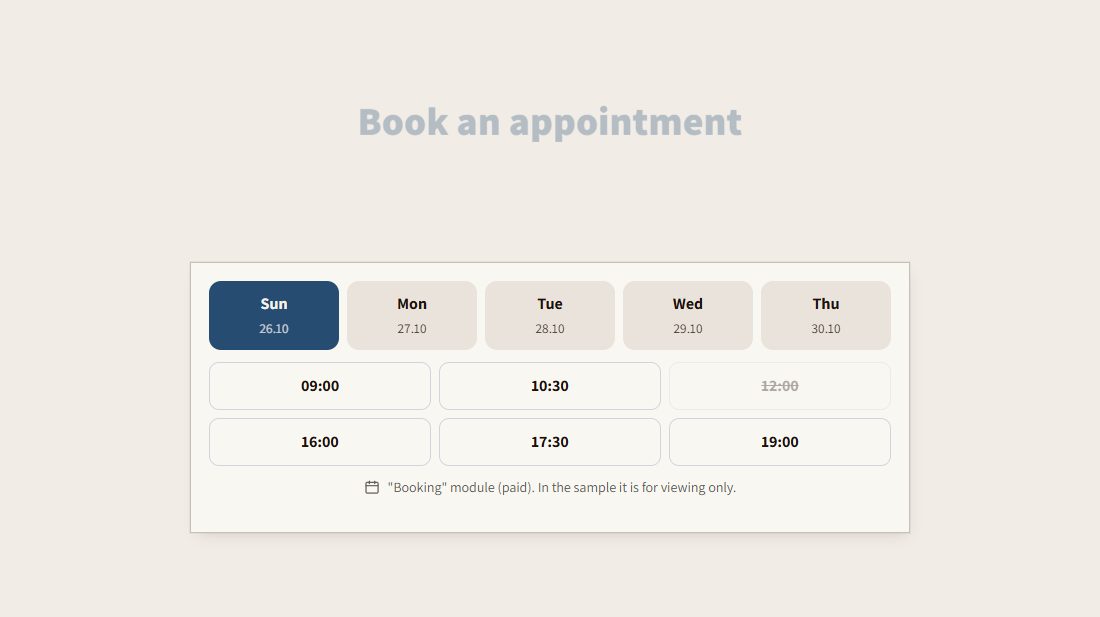
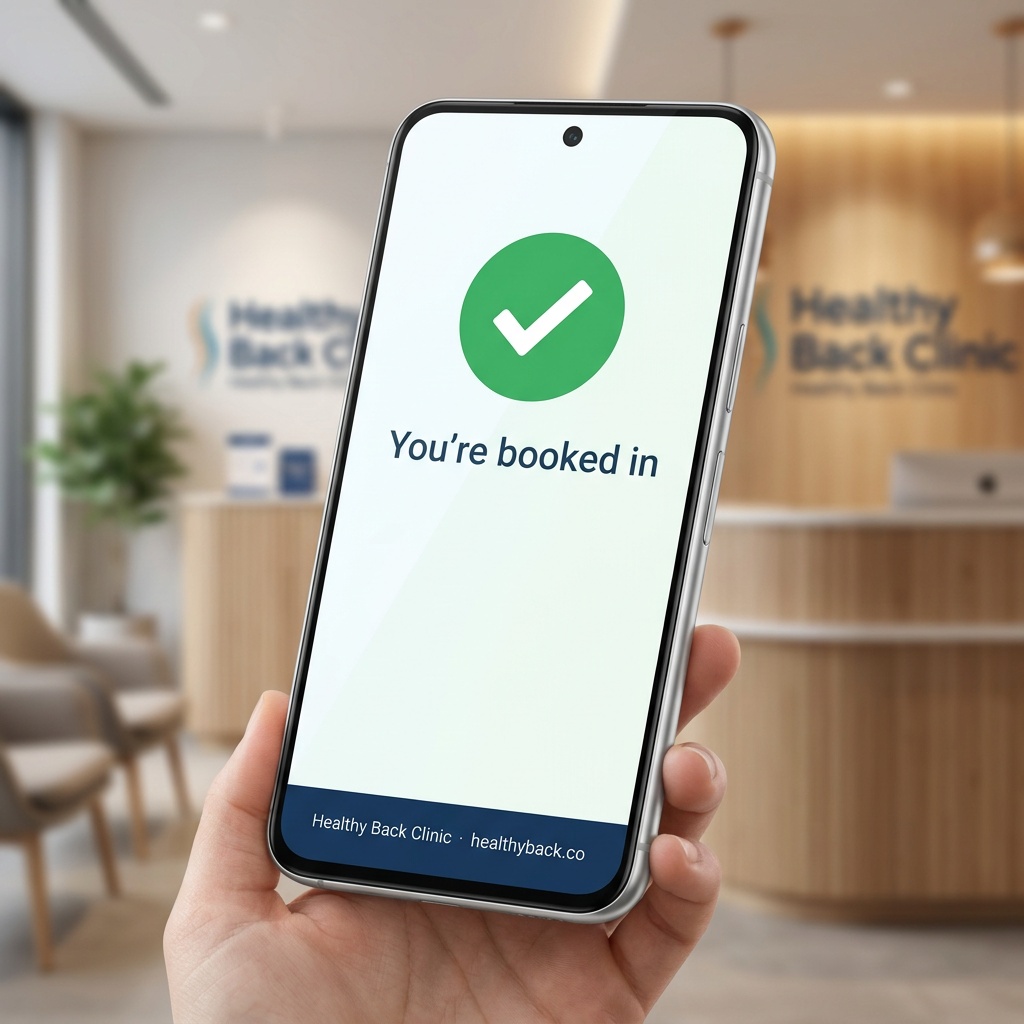
Patients book by themselves, and get a reminder
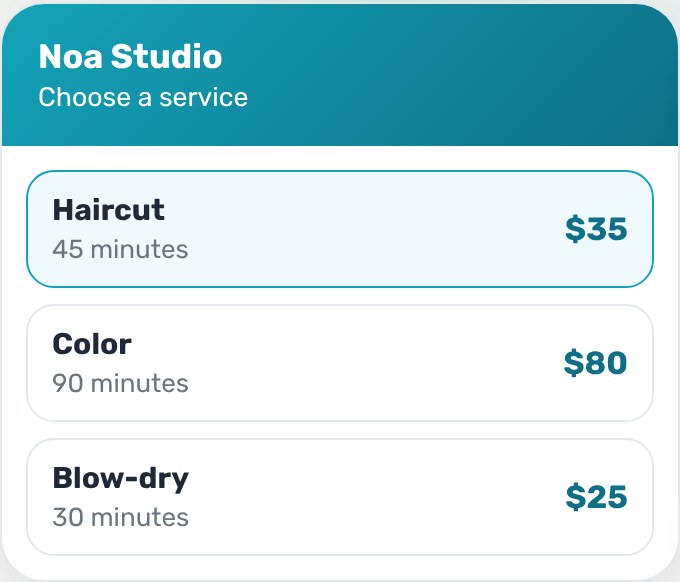
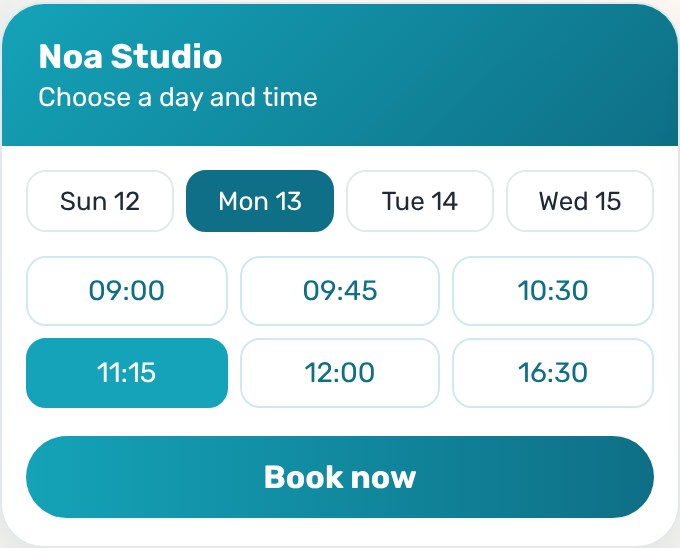
A booking page in your clinic's colors: pick a treatment, a therapist and a free slot. The reminder goes out by email when you set it, a cancelled slot is offered to the waiting list, and a health form is signed on the phone.
Pick a servicePick a day and timeThe client reminder
Greetly
Answers to the recurring questions, even at night
The chat answers only from what you wrote about the clinic. When it has no answer it doesn't make one up: it offers a callback, a meeting in your calendar or WhatsApp.
A video that explains a treatment, without filming
A presenter explains a treatment or answers a common question, with captions. You see every word of the script before production, and it can be in your own voice.
After every visit you get a ready message with your review link, and you send it yourself in one click. Every review that arrives gets a ready reply in your clinic's voice.
Usually the calendar or the chat, whichever takes most of your time today.
2
Fill in the clinic's details
Treatments, therapists, hours and prices. Every tool uses them.
3
Share a link
On WhatsApp, Instagram and Google. From here patients book by themselves.
1Pick the first tool
2Fill in the clinic's details
3Share a link
Three businesses in the field, three stories
Scenarios of how a business in the field uses the tools. Not testimonials and not results: what actually happens, step by step.
Three therapists, one calendar
A clinic with three therapists moves to one booking page. Each therapist has their own hours, patients book by themselves, and a fixed weekly visit stays in the calendar without booking it again.
Step 1The patient picks a therapist
Step 2A fixed weekly visit
Step 3A reminder the day before
Step 4The freed slot fills up
Parents ask, the chat answers
Parents ask in the evening how much an assessment costs and how to start. The chat answers from what the therapist wrote, and whoever wants to talk leaves a callback request.
Step 1A question at nine at night
Step 2An answer from her price list
Step 3A callback request
Reviews after every visit
After every visit there's a ready message with the Google review link. The receptionist sends it in one click from the clinic's phone, and every review that arrives gets a ready reply.
Step 1A visit that took place
Step 2A ready message
Step 3A Google review
Step 4A reply in the clinic's voice
A normal day at the clinic, before and after
The same day and the same patients. The difference is who does the small work.
08:00Reminders
BeforeMessaging every patient of the day, one by one.
With AutoWriterThe reminders went out by themselves, a day before and two hours before.
11:30Mid-session
BeforeThe phone rings, and a patient wants to move a visit.
With AutoWriterThey move it themselves on the booking page, and the freed slot is offered to the waiting list.
16:00Questions
BeforeThree messages ask how much a first session costs.
With AutoWriterThe chat answered from what you wrote, and whoever wanted a call is on the leads list.
21:00Social content
BeforeAnother evening without a post, too tired to film.
With AutoWriterA short video that explains a treatment is ready, with no camera.
Without AutoWriter, and with it
The task
Without
With AutoWriter
Booking a visit
A call or a chat for every booking
The patient books on the booking page
Reminders
A manual message to every patient
An email reminder, when you set it
A last-minute cancellation
The slot stays empty
The slot is offered to the waiting list
Recurring questions
Answering again every time
The chat answers from what you wrote
A video for social
Filming, editing and captions
A teaser in minutes, no camera
The times in the table are the tools' own, from their product pages. No promise of hours or money saved.
Every tool, in its own page's words
Fewer last-minute cancellations
An automatic reminder, a health form signed on the phone, and a fixed weekly slot.
What to charge per therapy session to cover your costs and earn a living, plus a clear cancellation policy for clients, ready to copy. Free, no sign-up, it all stays in your browser.
No credit cardHebrew & EnglishWorks on any phone, no app
Ready sites from the library, for this field
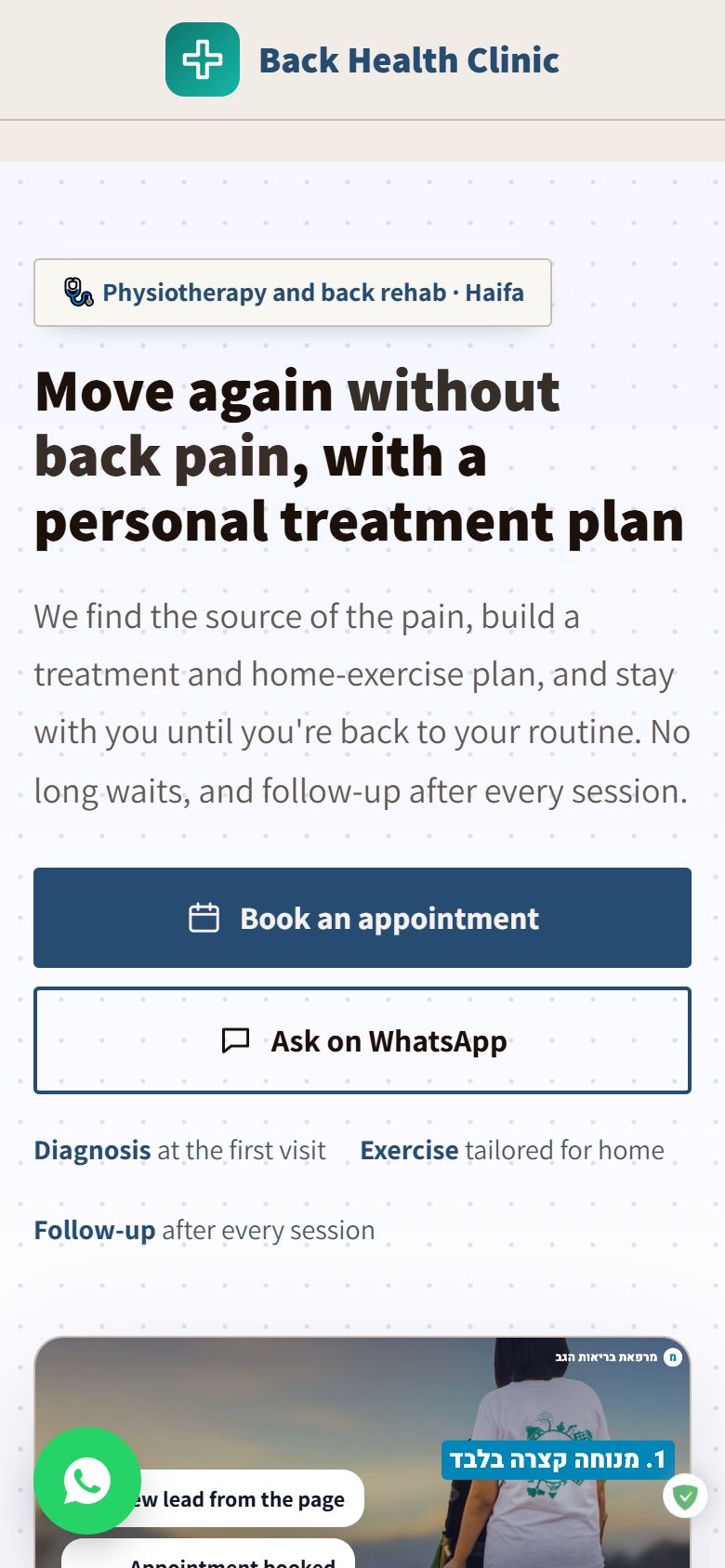
Every site here is real, and you can open it and look around. The ready site gets your business's name, colors and texts. 108 sites in the library, for every field.
No. The booking page, the chat and the business card open on any phone and in any browser.
Can the chat make up a price or give advice?
No. It answers only from what you wrote about the clinic. When it has no answer it offers a callback, a meeting or WhatsApp.
Can several therapists share one calendar?
Yes. Each one has their own hours and services. Basic has one service provider, and Plus up to three.
What happens when a patient cancels?
The slot is offered to the waiting list automatically, so the calendar stays full.
Can I set a fixed weekly visit?
Yes. The calendar has recurring appointments, and forms the patient signs on the phone.
Can I connect the calendar to a landing page?
Yes. In Doorway you add a booking calendar, a chat and reviews to the page, and pay only for what you turn on.
What does the Therapist Kit do?
A calculator for how much to charge per session to cover costs and profit, and a cancellation policy ready to copy. Free, no sign-up.
Can I choose the voice in the video?
Yes. A presenter from the gallery, or your own voice after a one-minute recording and consent.
Where do I see all the leads?
Callback and meeting requests go to the leads list in the system, and every lead from the page also arrives by email.
Do I need to start with every tool?
No. Open a free account and start with the tool you miss most today. Any other tool can be added when you want, and each one has a page with its plans and prices.
 AutoWriter































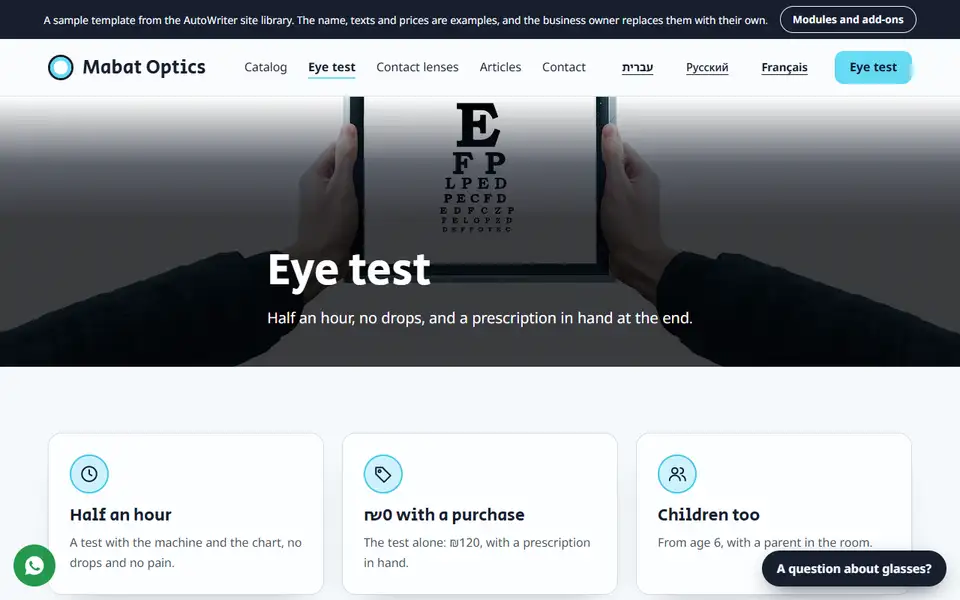
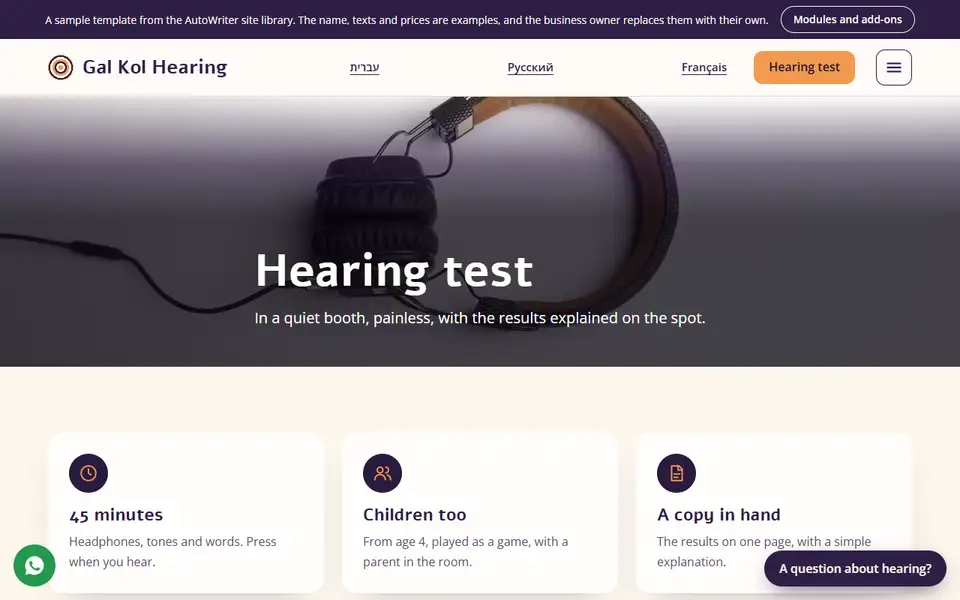
 ApointApoint, appointment booking
 GreetlySmart Chat
 DoorwayThe Gateway
 AnchorThe Presenter
 Avivi Reviews
 HookeyThe Creative
 StylekitThe Designer
 TapcardTapcard, digital business card
 Ready Site
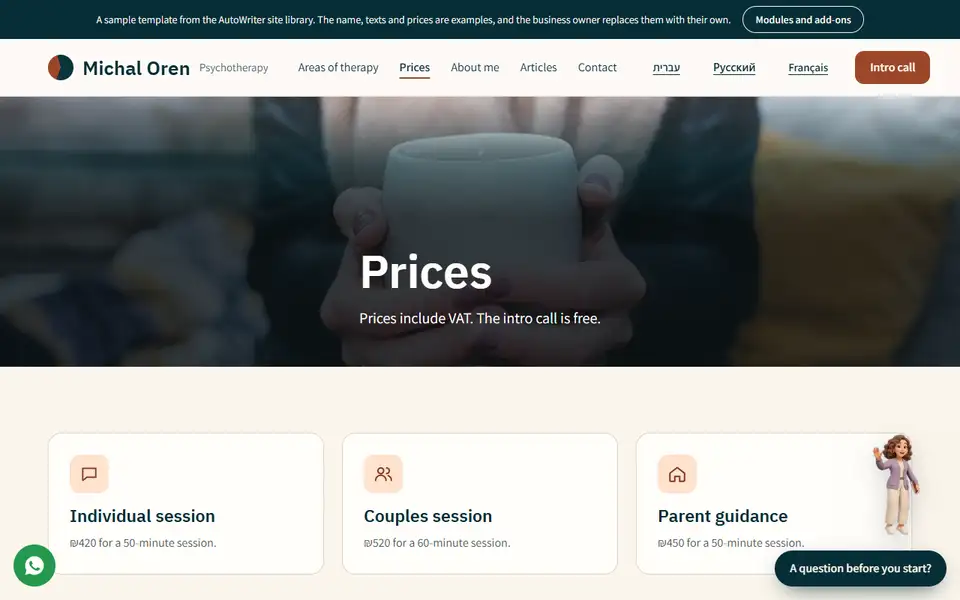
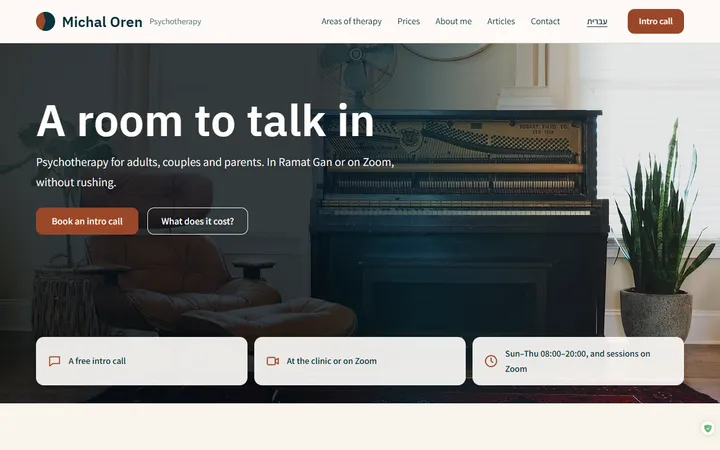 Michal OrenTherapists and psychologists
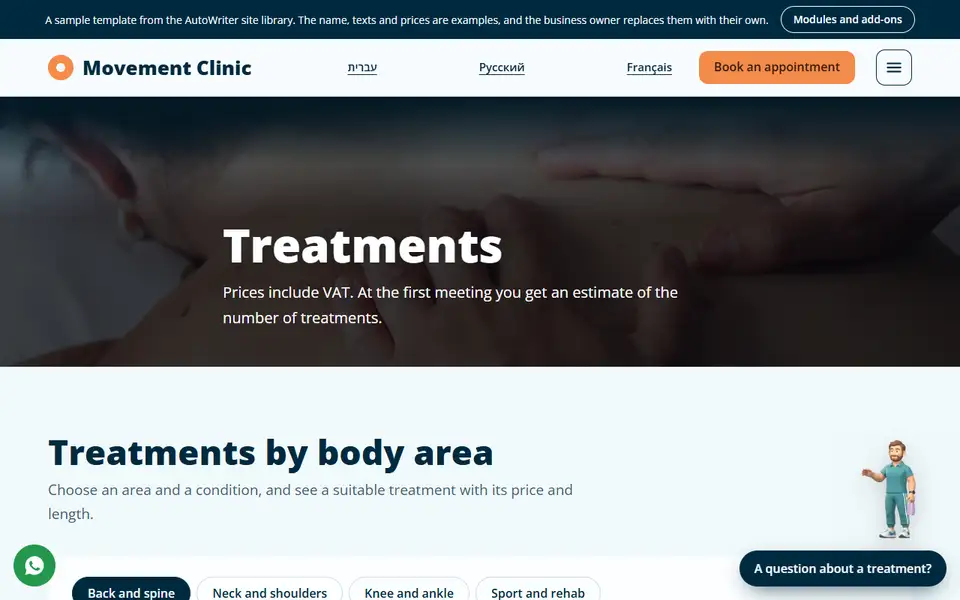
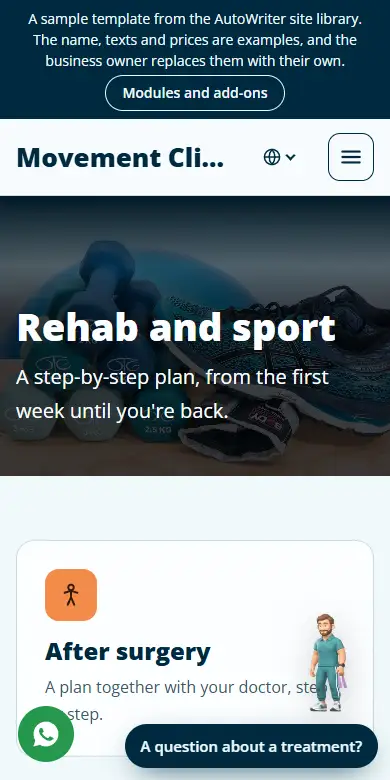
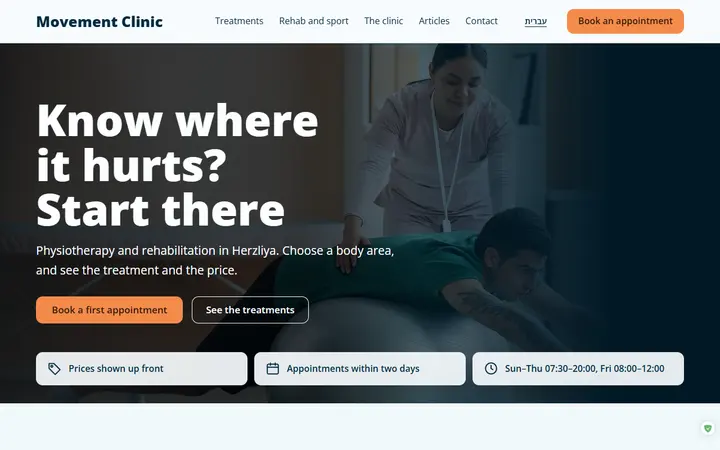 Movement ClinicPhysiotherapy
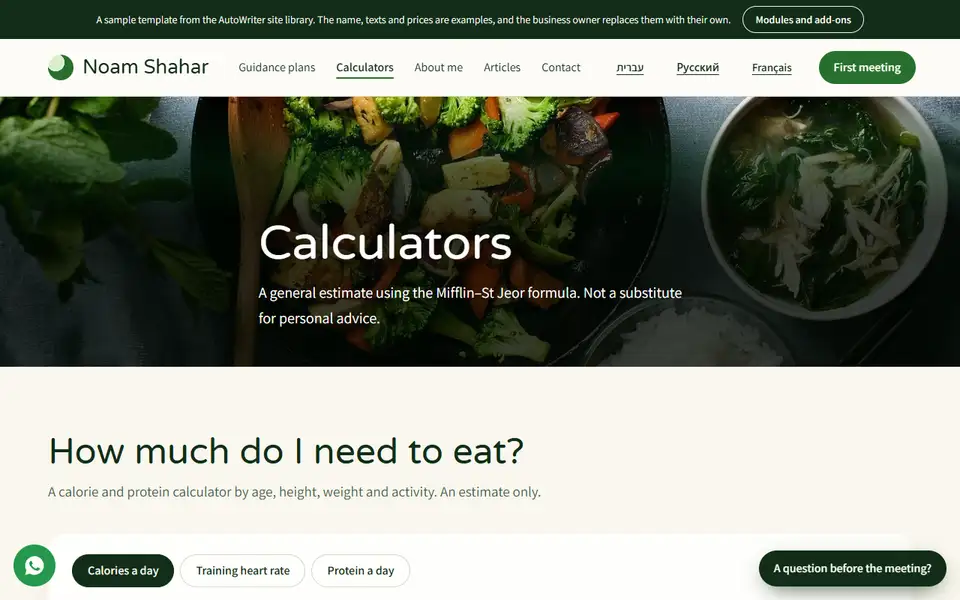
 Noam ShaharClinical dietitian
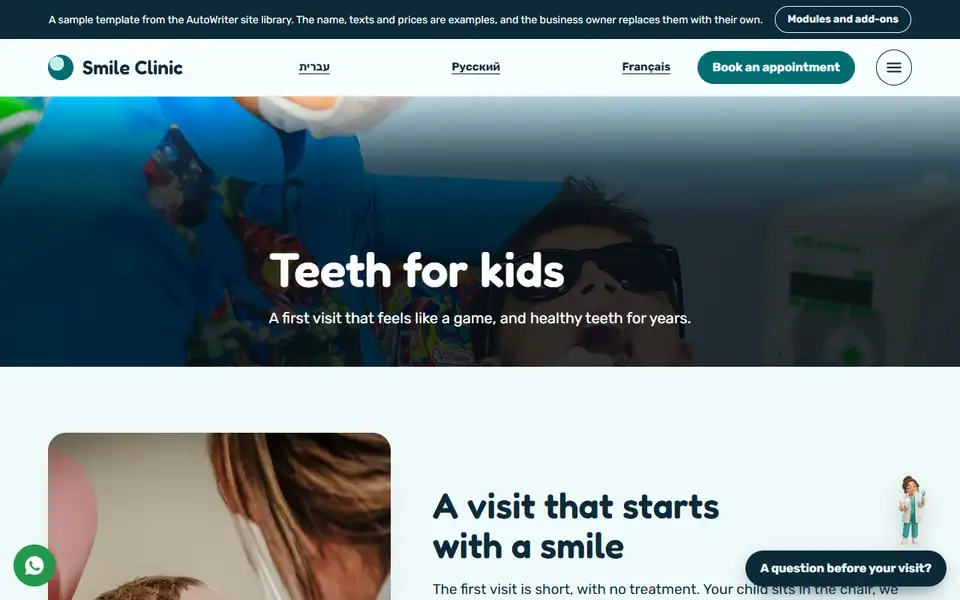
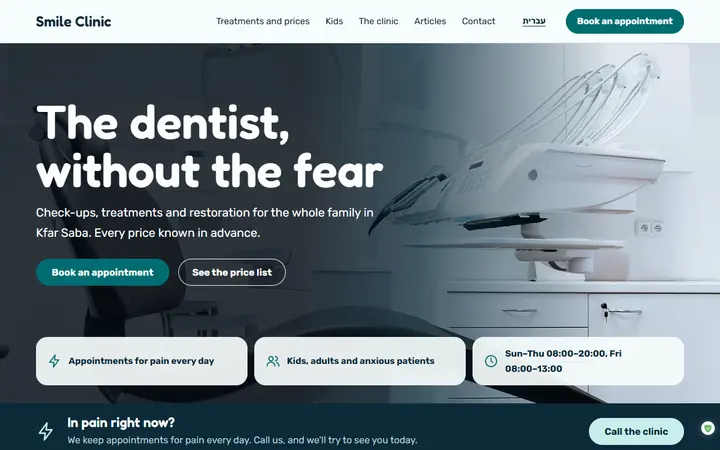 Smile ClinicDental clinic
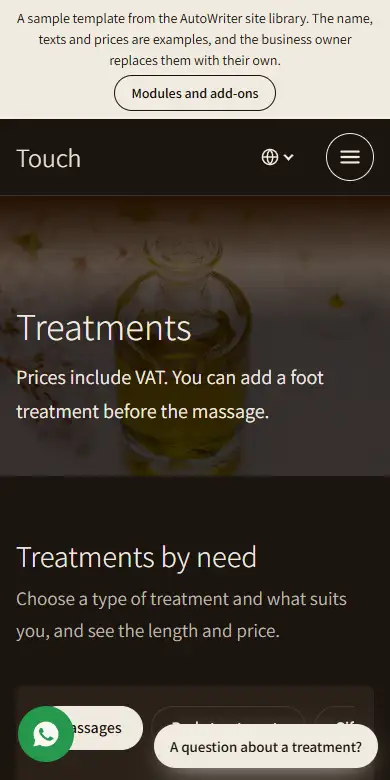
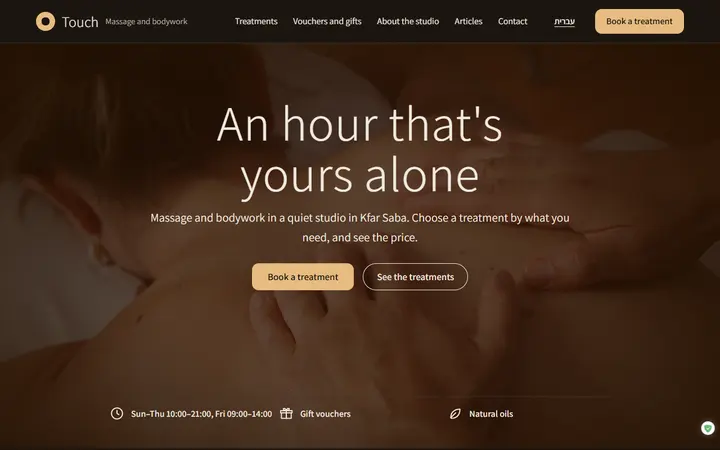 TouchMassage studio
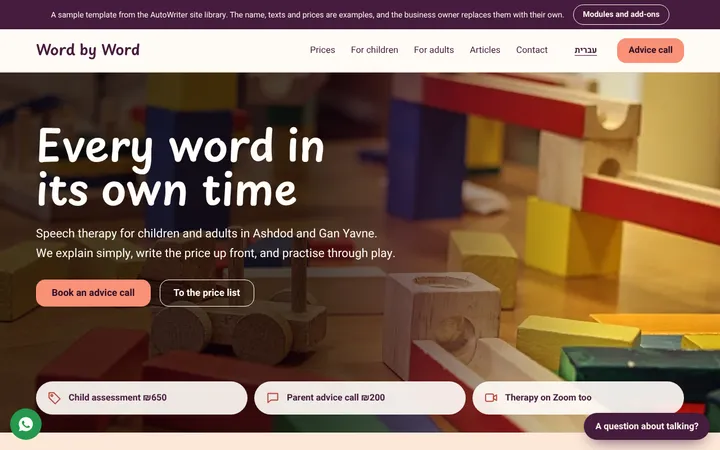 Word by WordSpeech therapy
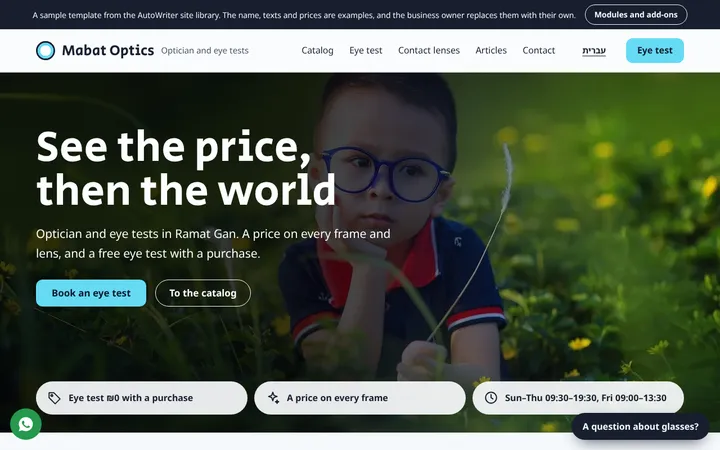 Mabat OpticsOptics and eye tests
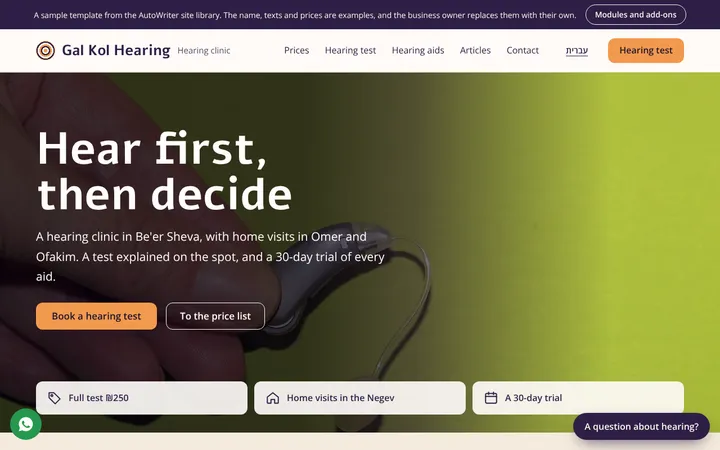 Gal Kol HearingHearing clinic