 OneSeed
 Folio Live
 Spell Check
 Folio
 PostiWeb
 Avivi Visibility
 Avivi Rank
 Avivi Reviews
 GroupPost
 Avivi Budget
 Avivi Site Watch
 Avivi Competitor Watch
 Avivi Site Scan Pro
 Greetly
 CHAT+
 Avivi Recap
 Apoint
 Morph
 Anchor
 Twinly
 Scribe
 Editor+
 AI Videos
 Sculpta
 Boti+
 Popout
 Hookey
 Stylekit
 Posti+
 Studio+
 Tapcard
 Doorway
 Tiltwall
 Ready Site
 Avivi Homes
 Avivi Mascots
 The Team
 sportsalls
 GYM DESIGNER
 Your photos, like new
Bring old photos back to life, enlarge to 4K, and get every size for every network
Upload an old, scratched, faded or blurry photo. Revive removes scratches and stains, brings the colors back, enlarges to 4K with sharp detail, and exports the photo in every size for social. The people in the photo stay the same people.
One free restoreEvery size, freeHebrew & English
What you get with Revive
The most precious photos are usually in the worst shape
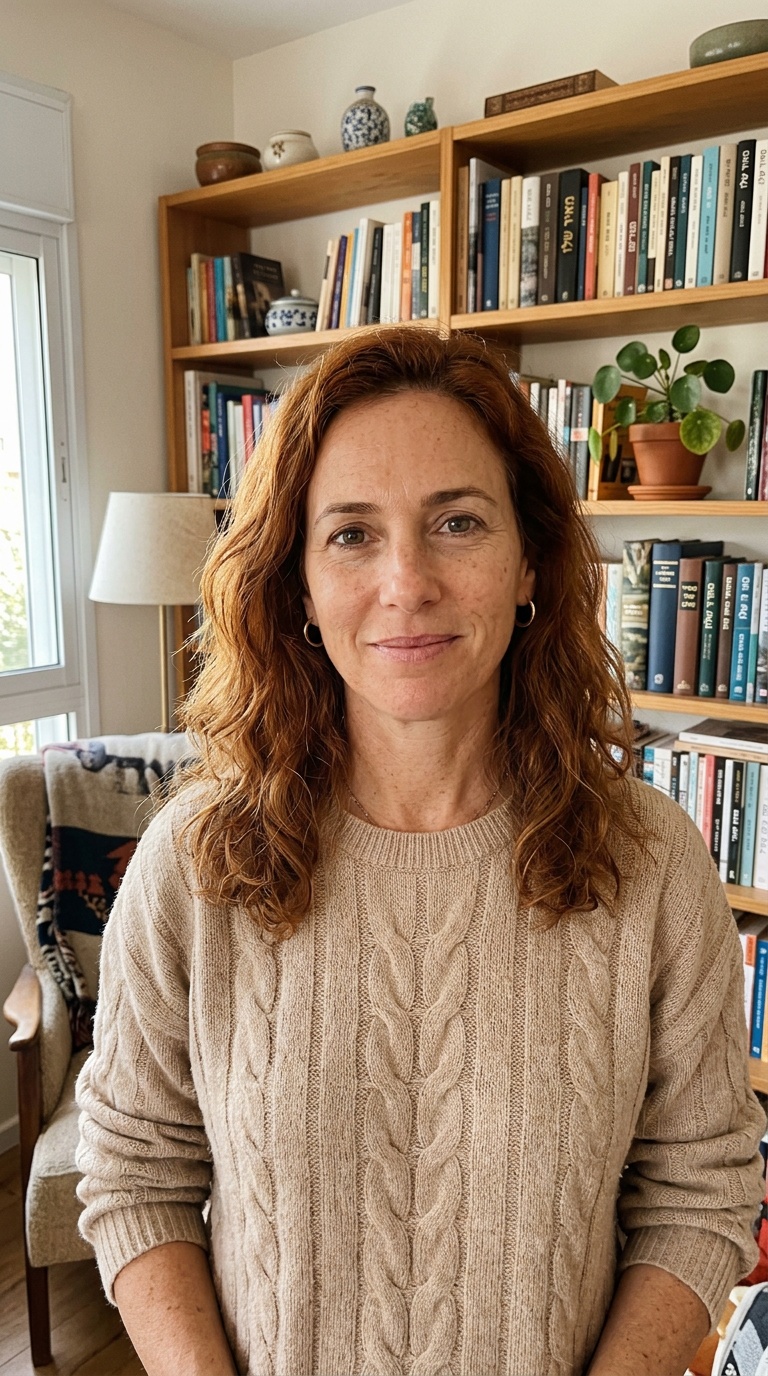
Old family photos wear out over the years, and a scan shows every flaw.
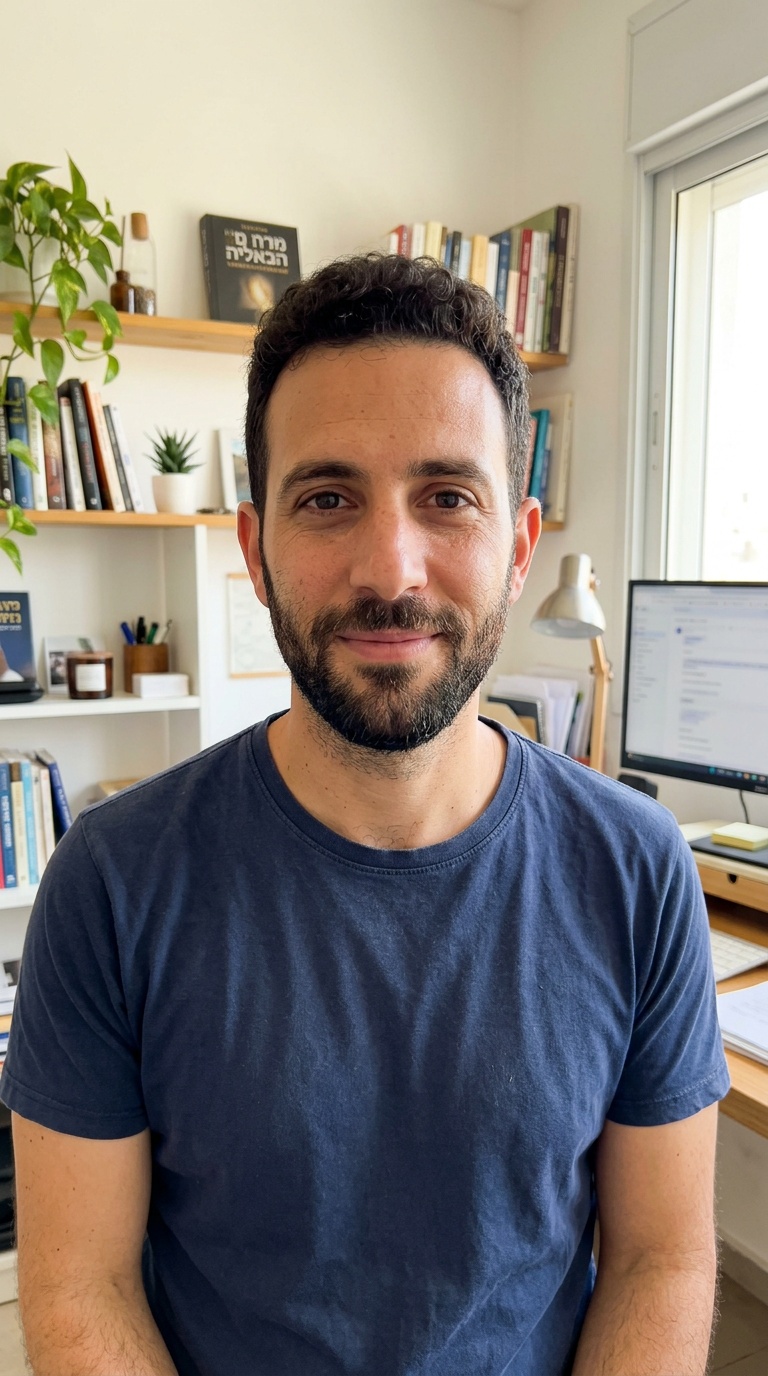
A designer charges a lot per photo, and takes days.
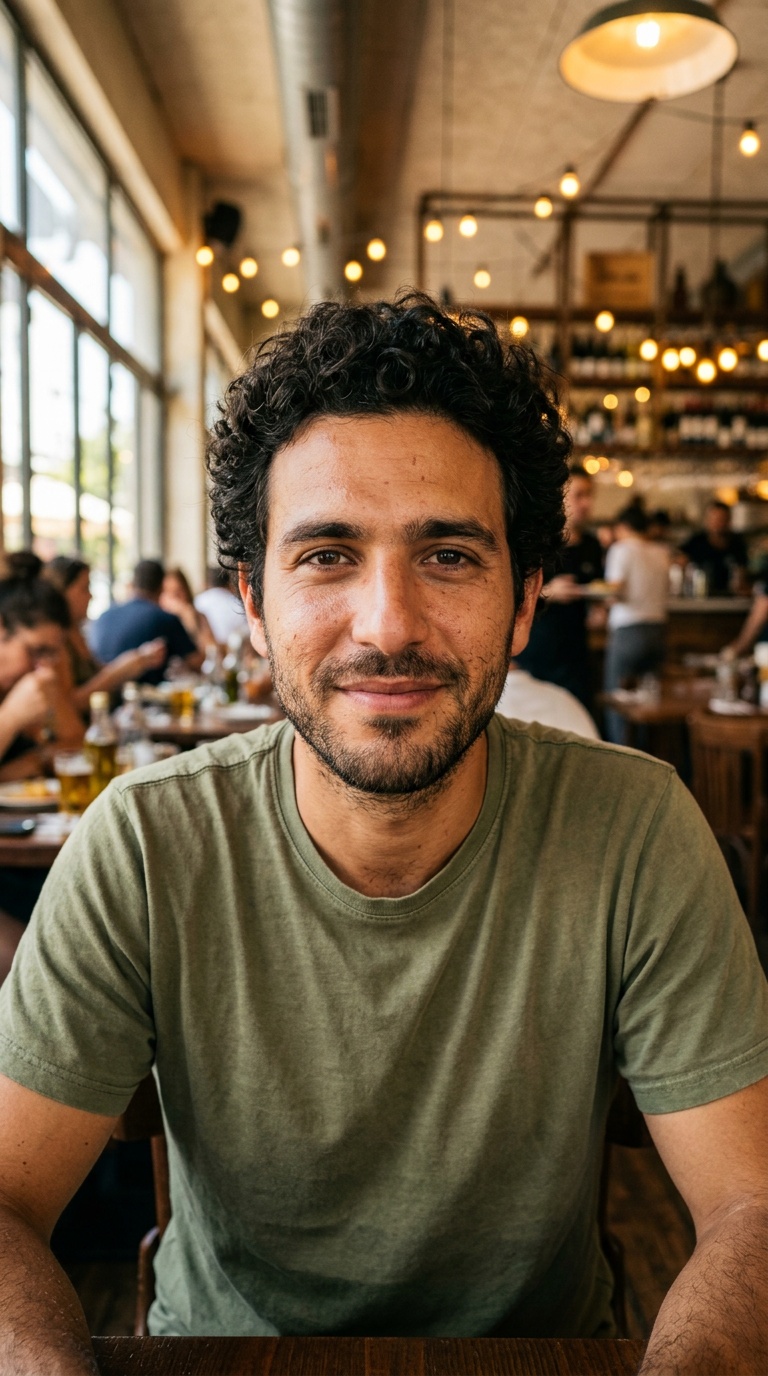
A phone or WhatsApp photo comes out blurry in print and on big screens.
What Revive does
Removes scratches, stains, grain and blur, and brings natural colors back to a faded or black-and-white photo.
Up to 2160 pixels with sharper detail. For print, big screens and small photos.
Square, portrait, Story and wide from the same photo. The photo stays whole, with blurred edges around it.
When the photo doesn't fit the frame, AI continues the background naturally, without touching what's already there.
Restoring keeps faces, expressions, hair and pose.
Full-size JPG images, ready for print and social.
How it works
A scan, a photo of a print, or a phone photo.
Or one after the other: restore, enlarge, then export every size.
In about half a minute.
Before and after
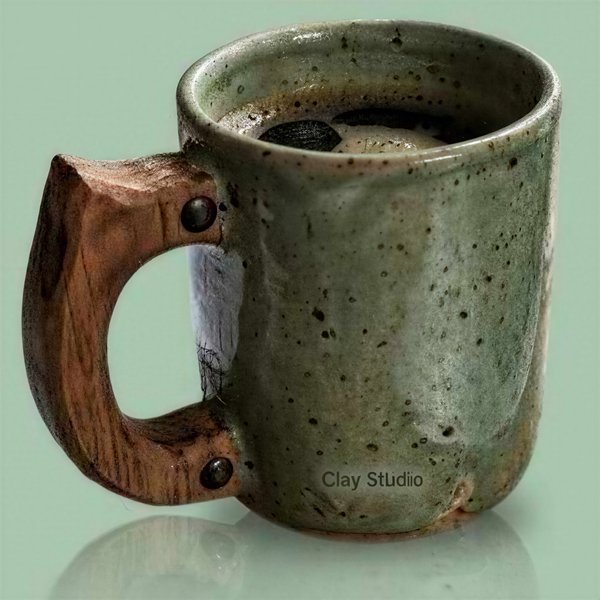
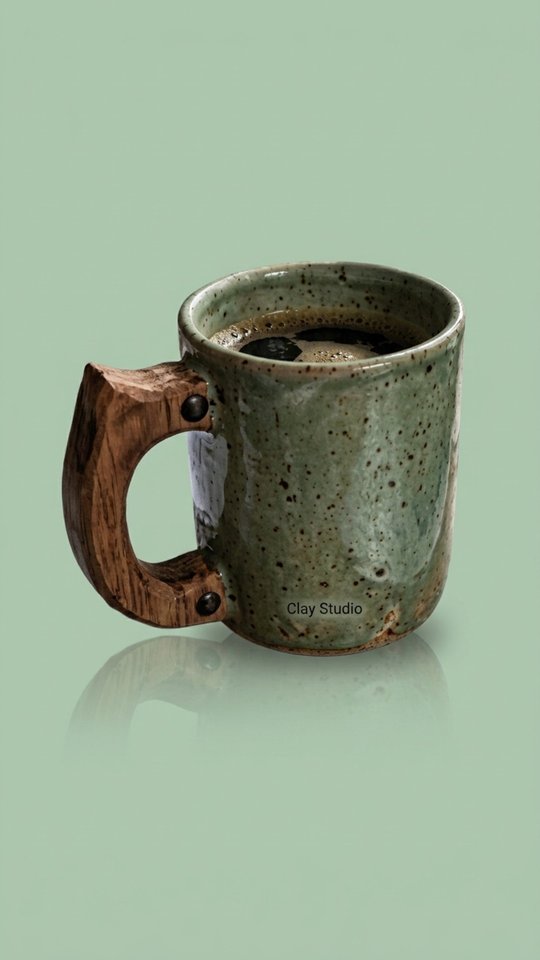
An old, scratched, faded photo, and what Revive made of it.

Pay less, get more.
Start free with 1 restore or AI extend a month. Pick a plan only when you want more.
Basic
$8.95a month
~$0.50 per image
- 40 enlargements to 4K
- Unlimited resizing
Pro
$29.95a month
~$0.50 per image
- 150 enlargements to 4K
- Unlimited resizing
Every plan:1 restore or AI extend a month freeNo credit cardEvery size, freeCancel anytime
Prices in US dollars. Resizing without AI is always free. Cancel anytime.
Questions & answers
Does restoring change the people in the photo?
No. Restoring keeps faces, expressions and pose. Good to know: it's the AI's best guess, so colors and very small details, like text on a shirt, may differ from the original.
Can I restore a black-and-white photo?
Yes. Revive brings back natural colors.
What does enlarging to 4K mean?
The photo is enlarged up to 2160 pixels, and AI adds sharp detail instead of blur. Good for print and big screens.
How long does it take?
Usually 10 to 40 seconds a photo.
What's the difference between the two ways to get every size?
The free way keeps the photo whole, with blurred edges around it. AI extend continues the background naturally to the edges of the frame.
Are my photos used to train AI?
No. Your photos are used only to create your results.
An old photo is waiting for you in a drawer
One free restore, no credit card.
Start free